How to screenshot on Garmin watch
Use the general capture workflow when the exact model is not the search intent.
Garmin fenix screenshot
How to screenshot on Garmin fenix 8 Pro 47mm, including fenix8pro47mm and Garmin 51mm searches, then find BMP files in GARMIN\ScreenShot and export clean PNG assets.
Quick answer
Garmin's current screenshot support flow for action-button models says to open Settings, go to System, then Advanced, and toggle Screenshot Capture on before taking the screenshot.
Menu labels can vary by firmware and exact fenix 8 variant, so confirm the current Garmin support page when the watch UI differs.
GARMIN\ScreenShotSearch variants
Google searches often mix the product name, compact SDK id, and Garmin-prefixed shorthand. The canonical page stays here, while alias slugs map back to this URL so the SEO signal is not split across duplicate pages.
After capture
Once Garmin fenix 8 Pro 47mm saves the capture, the screenshot is still a raw source file. Copy it from GARMIN\ScreenShot, keep the BMP unchanged, and export PNG when the image needs to appear in a Connect IQ listing, support article, product page, or launch post.
GARMIN\ScreenShot.Topic cluster
This model page captures the long-tail query. The surrounding pages cover the folder, BMP conversion, and framed export steps.
Use the general capture workflow when the exact model is not the search intent.
Find saved BMP files and understand why the folder is not Garmin Connect.
Prepare real screenshots as framed PNG assets for release materials.
FAQ
For supported Garmin fenix 8 action-button models, enable Screenshot Capture in Settings > System > Advanced, then use the configured action-button screenshot behavior.
After capture, connect the watch to a computer and check the device storage folder GARMIN\ScreenShot for the saved BMP screenshot file.
Yes. This model page is mapped from Garmin Connect IQ compiler.json data and covers the compact device id, Garmin-prefixed names, and common model-name variants for the same profile.
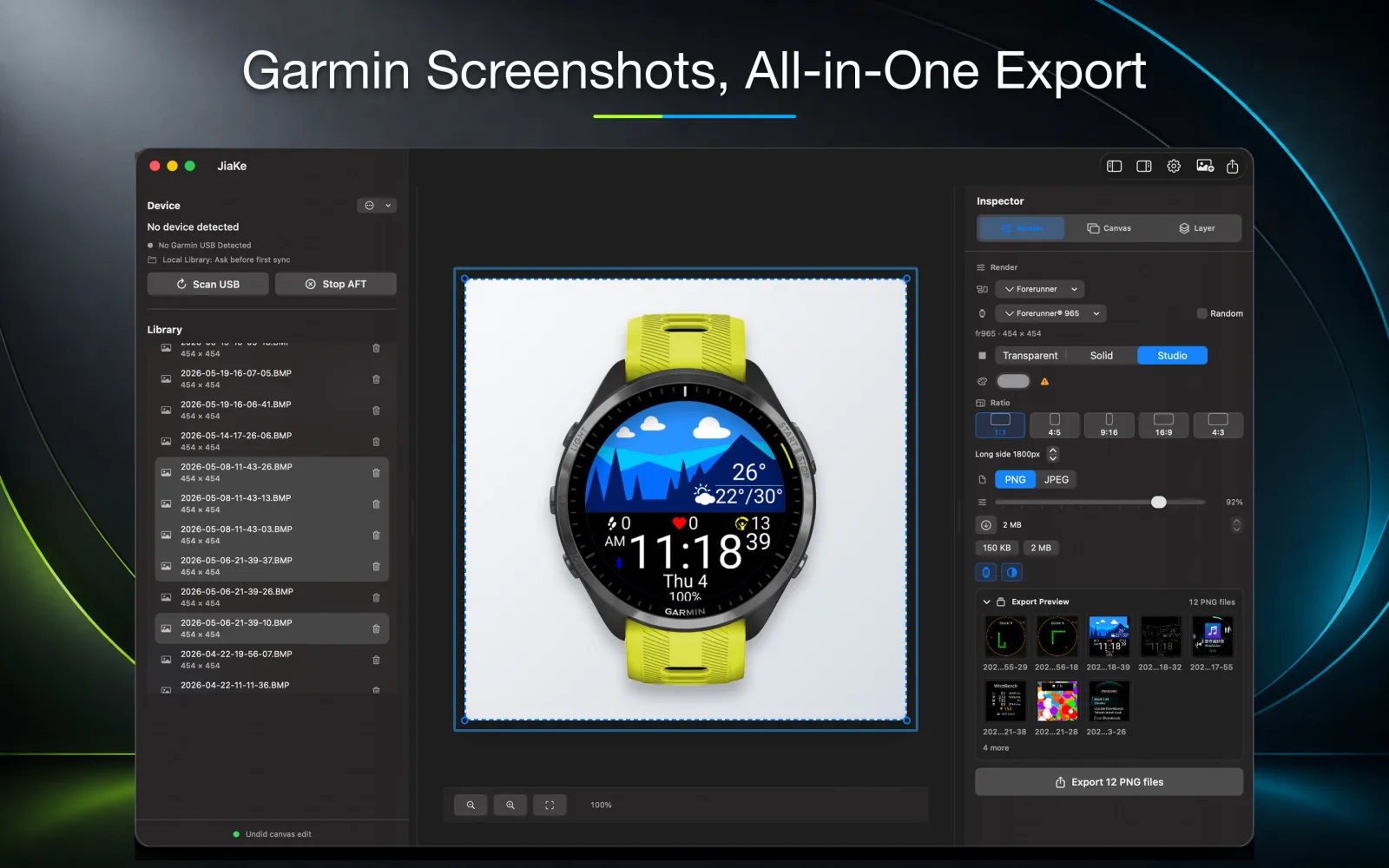
No. JiaKe.app works after the screenshot exists: import the Garmin BMP file, convert it when needed, apply frames, and export PNG assets.
Copy the original BMP file from GARMIN\ScreenShot, keep it as the source capture, then convert or frame it for Connect IQ listings, documentation, product pages, or launch posts.
JiaKe.app
Use JiaKe.app after the capture exists: import Garmin BMP screenshots, apply frames and presets, preview the result, and export PNG assets for Connect IQ listings, docs, product pages, and launch posts.