

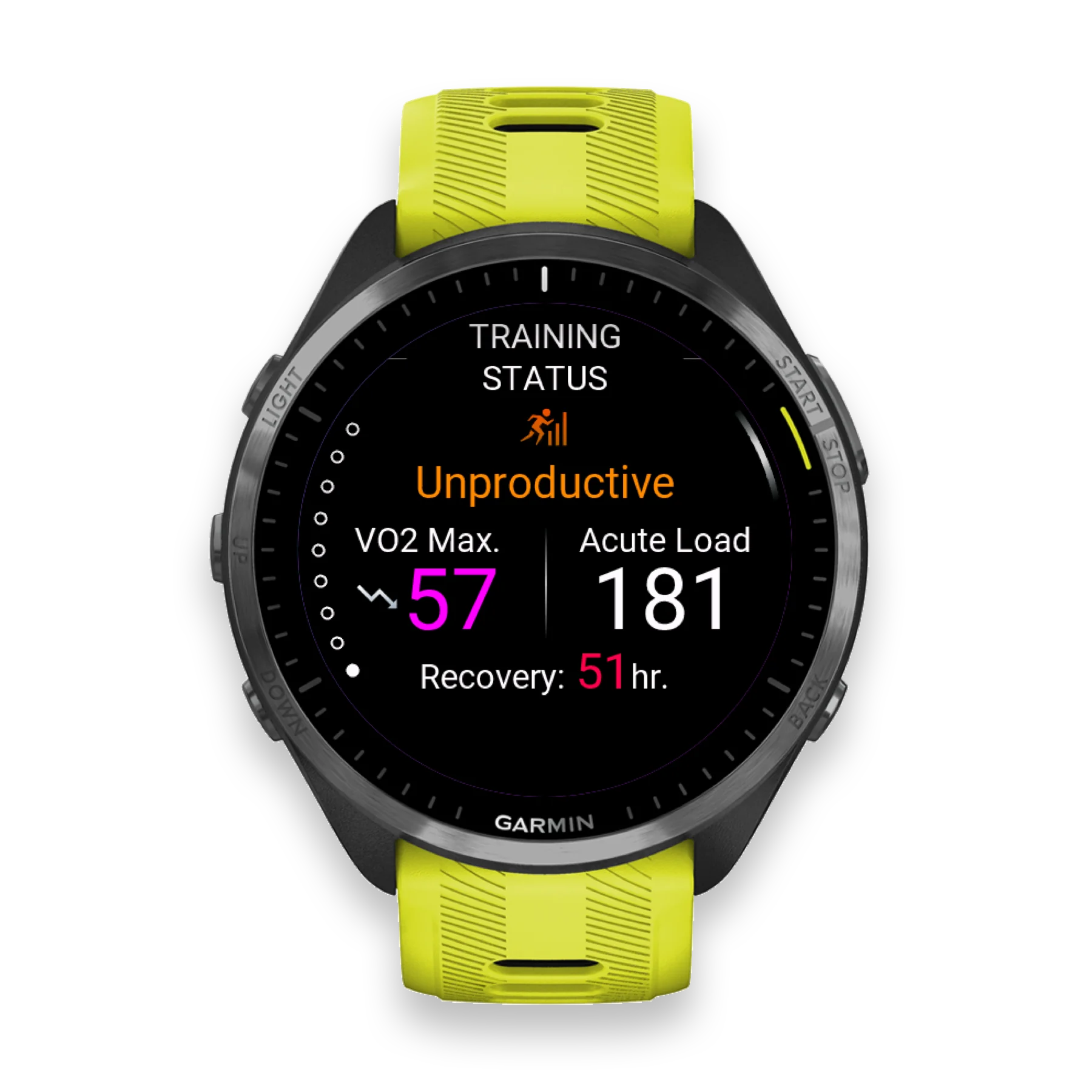
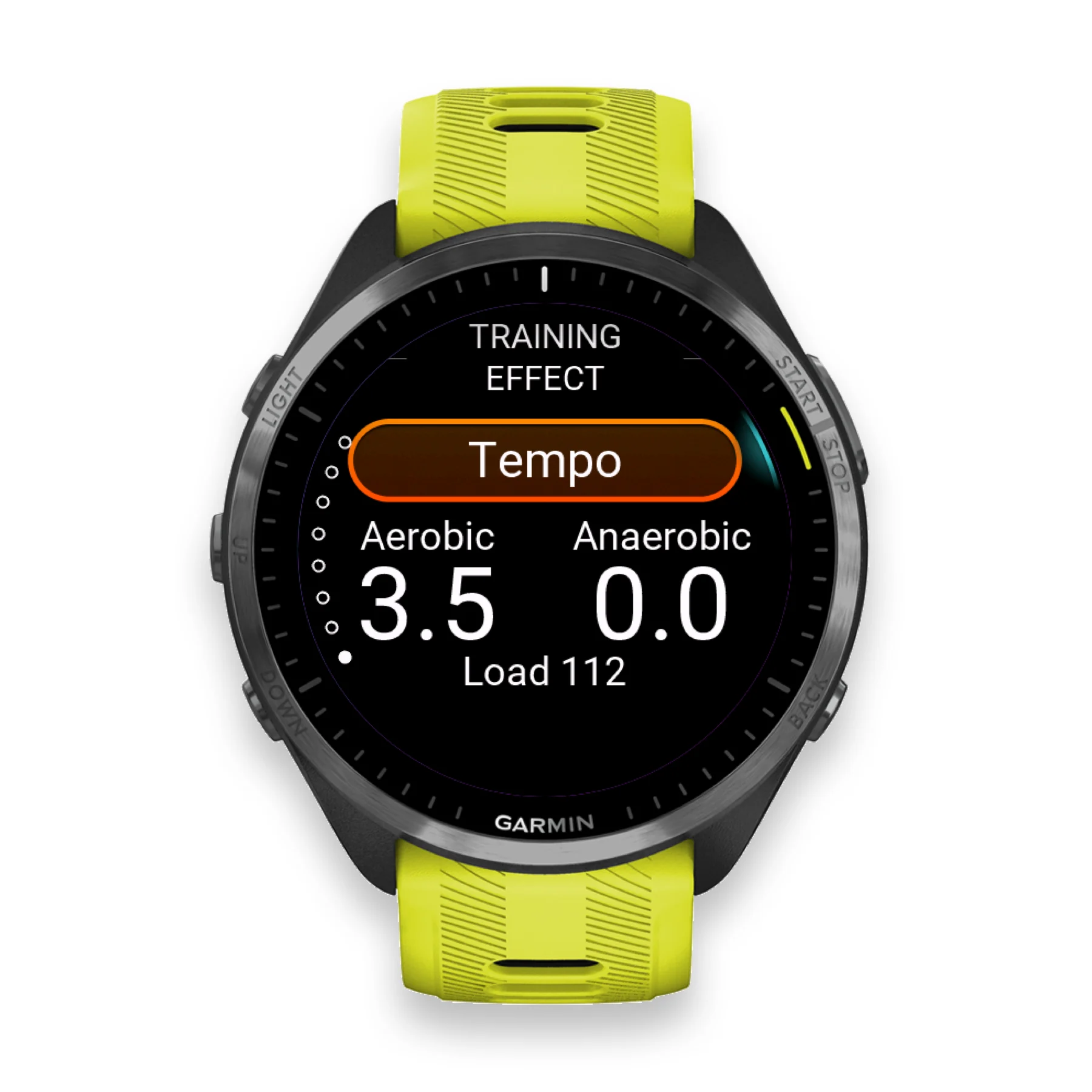
Single training frame
Single image
Garmin Watch Screenshot Mockup Generator
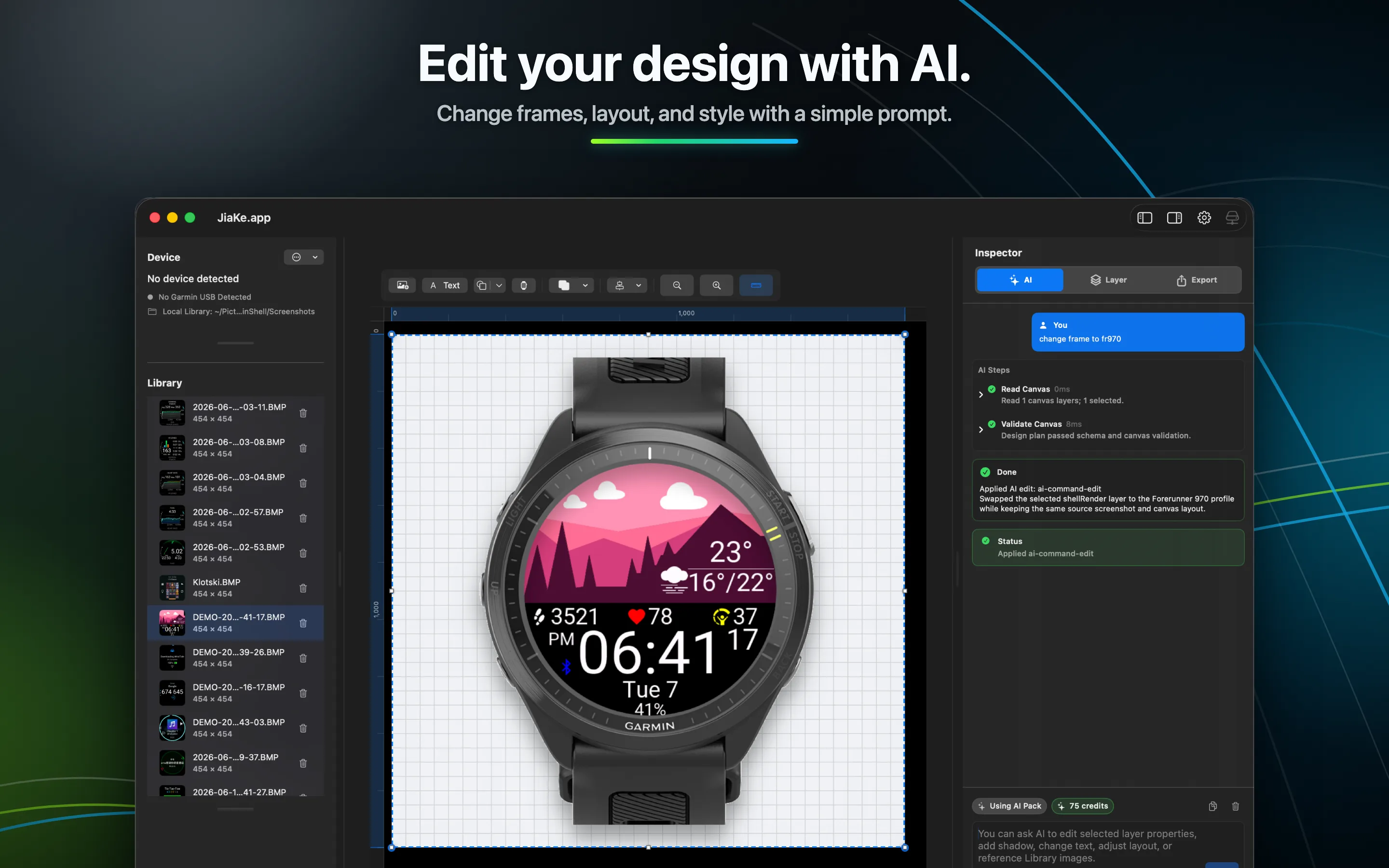
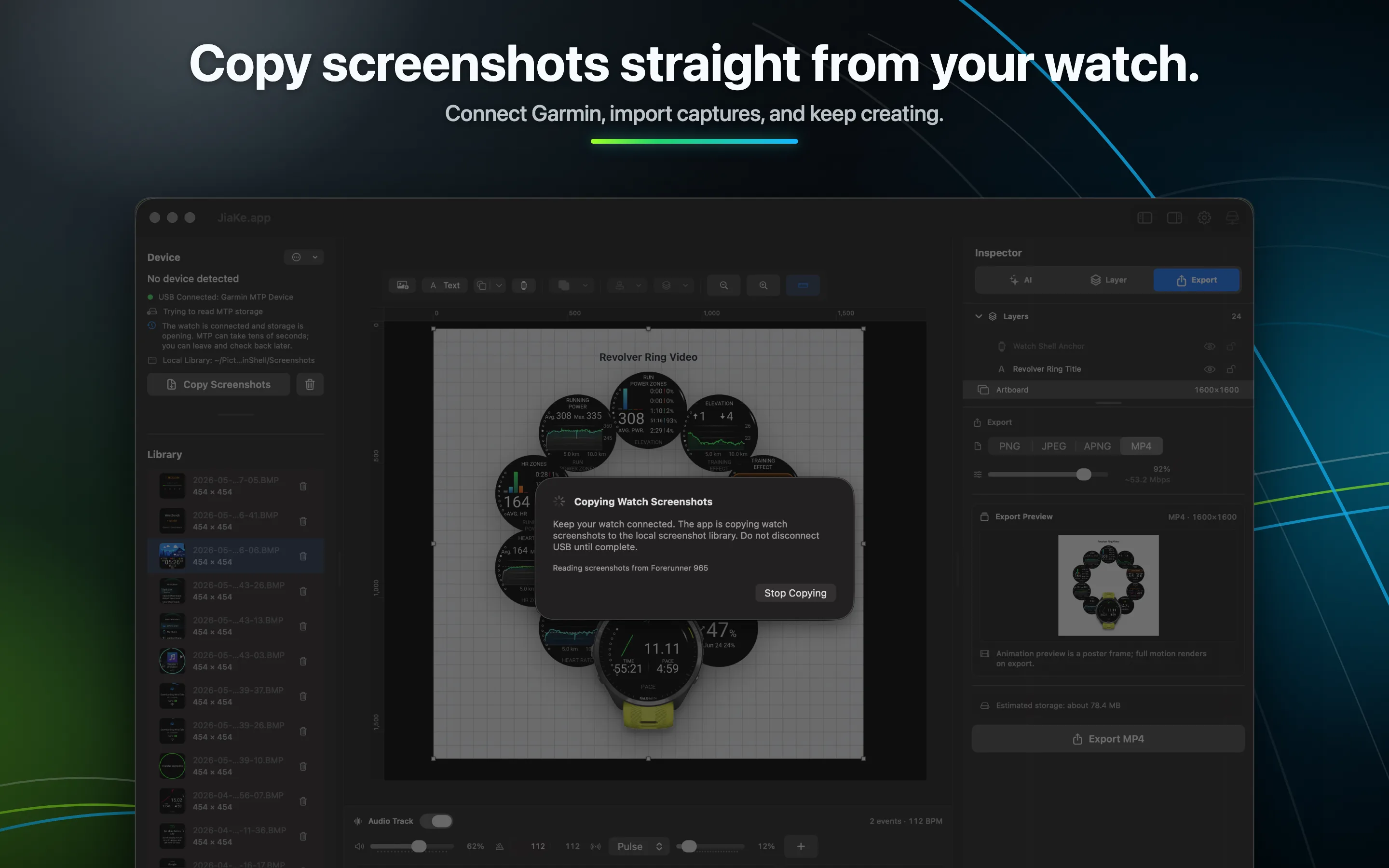
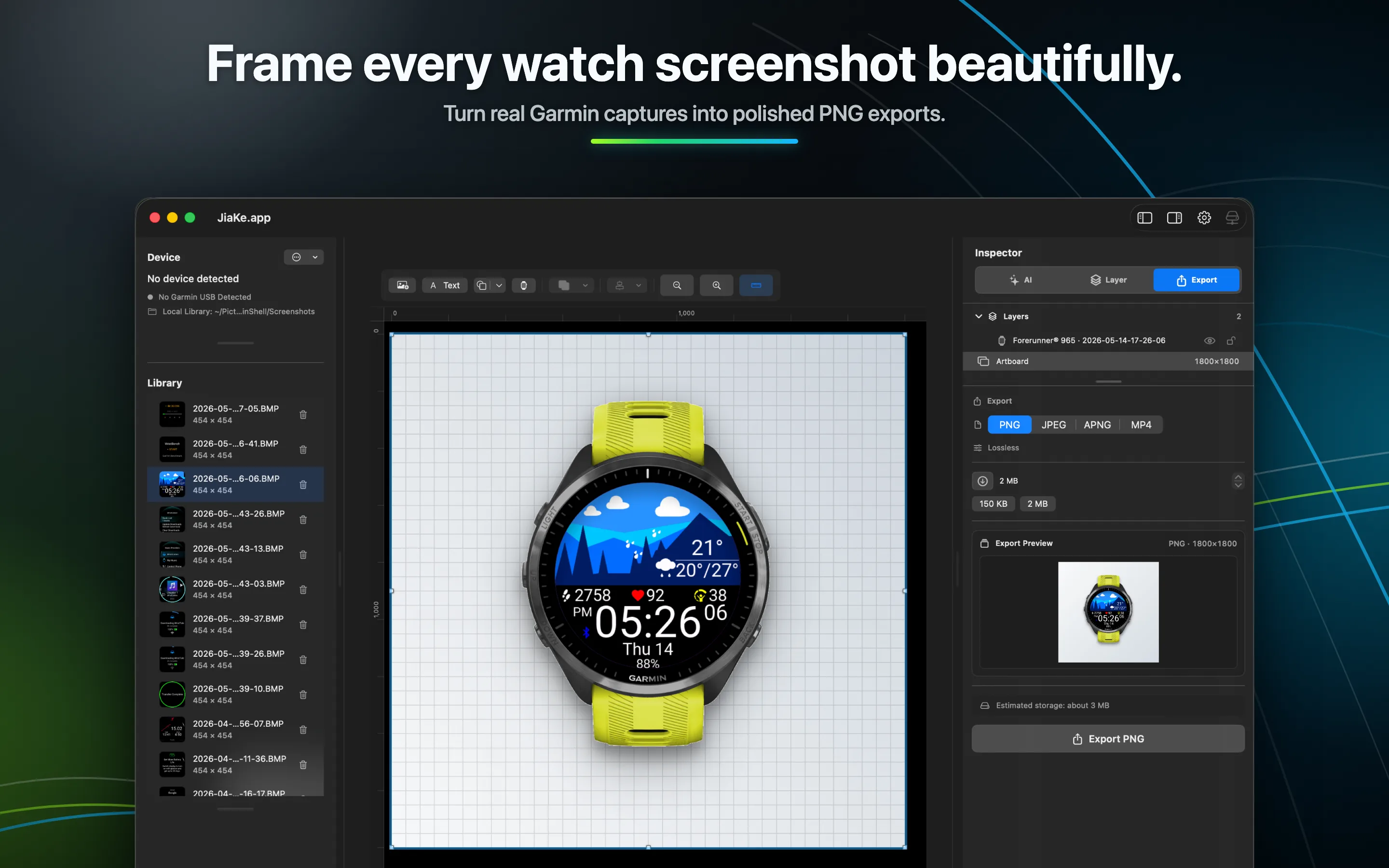
JiaKe.app frames real Garmin BMP screenshots for Connect IQ apps, watch faces, Connect IQ Store listings, product posts, and release notes. The Android app can quickly export after you connect a Garmin device by USB.
Showcase
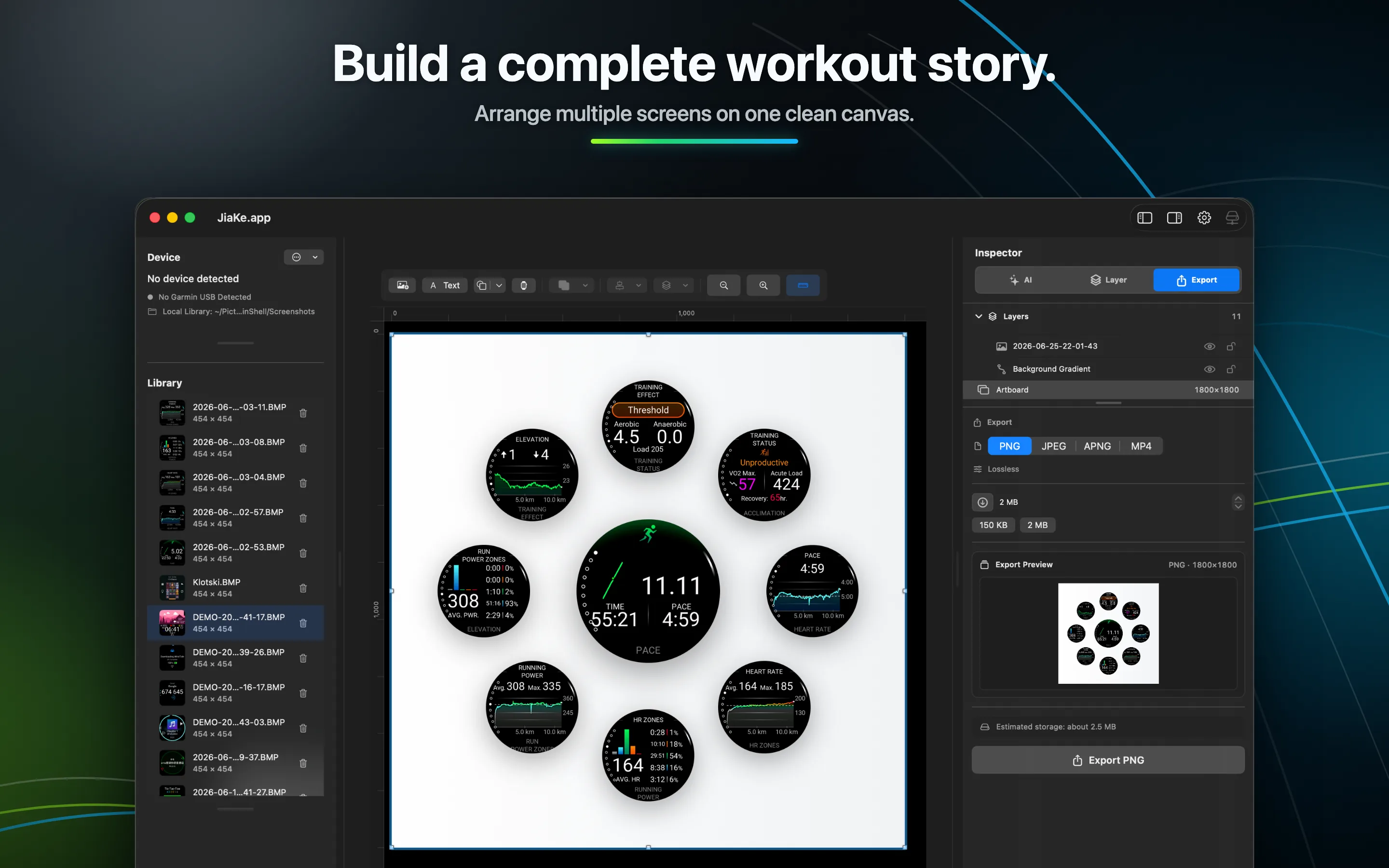
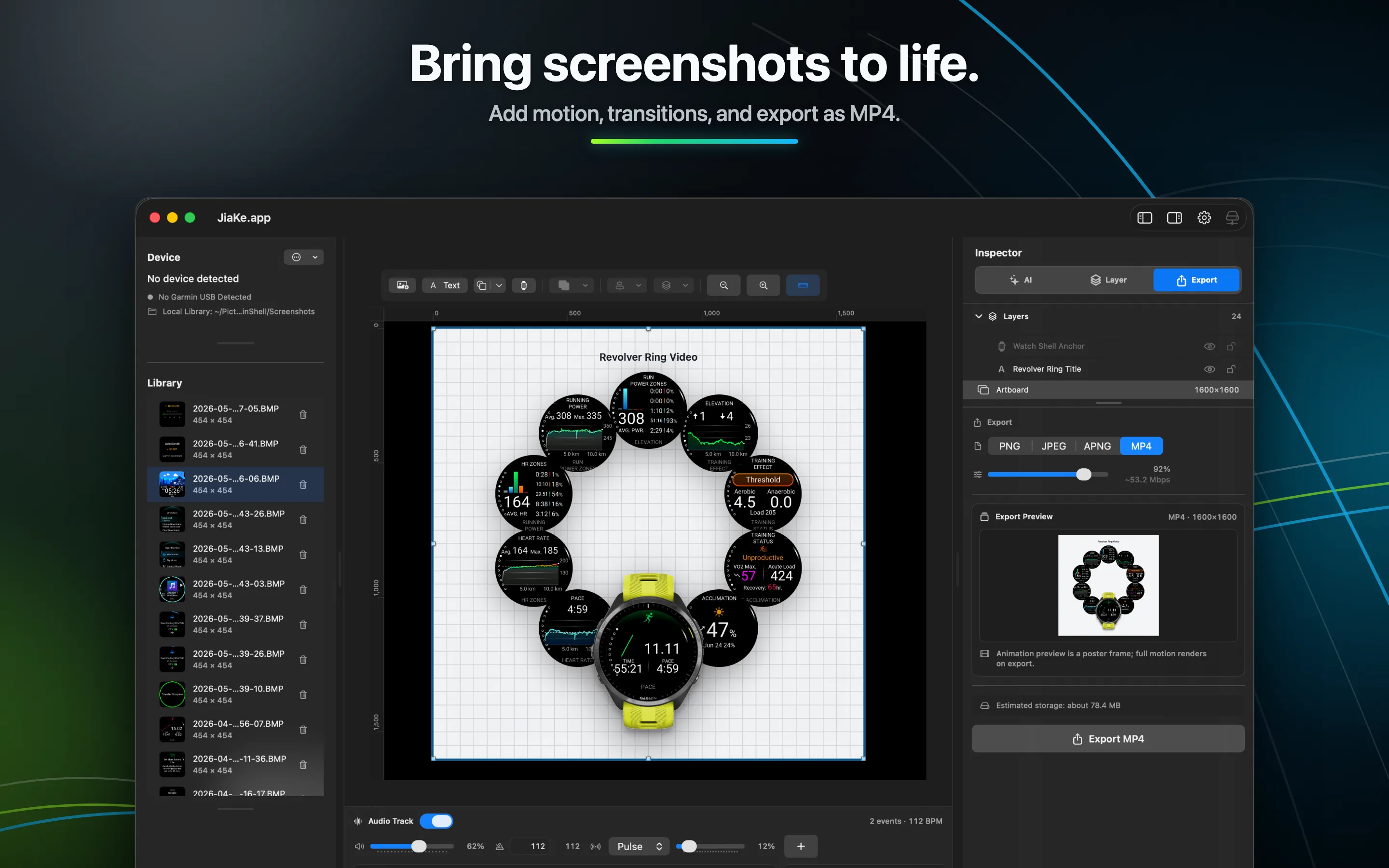
Turn real Garmin screenshots into single-image mockups, compound posters, and motion pieces for store pages, websites, social posts, and release notes.
Single image
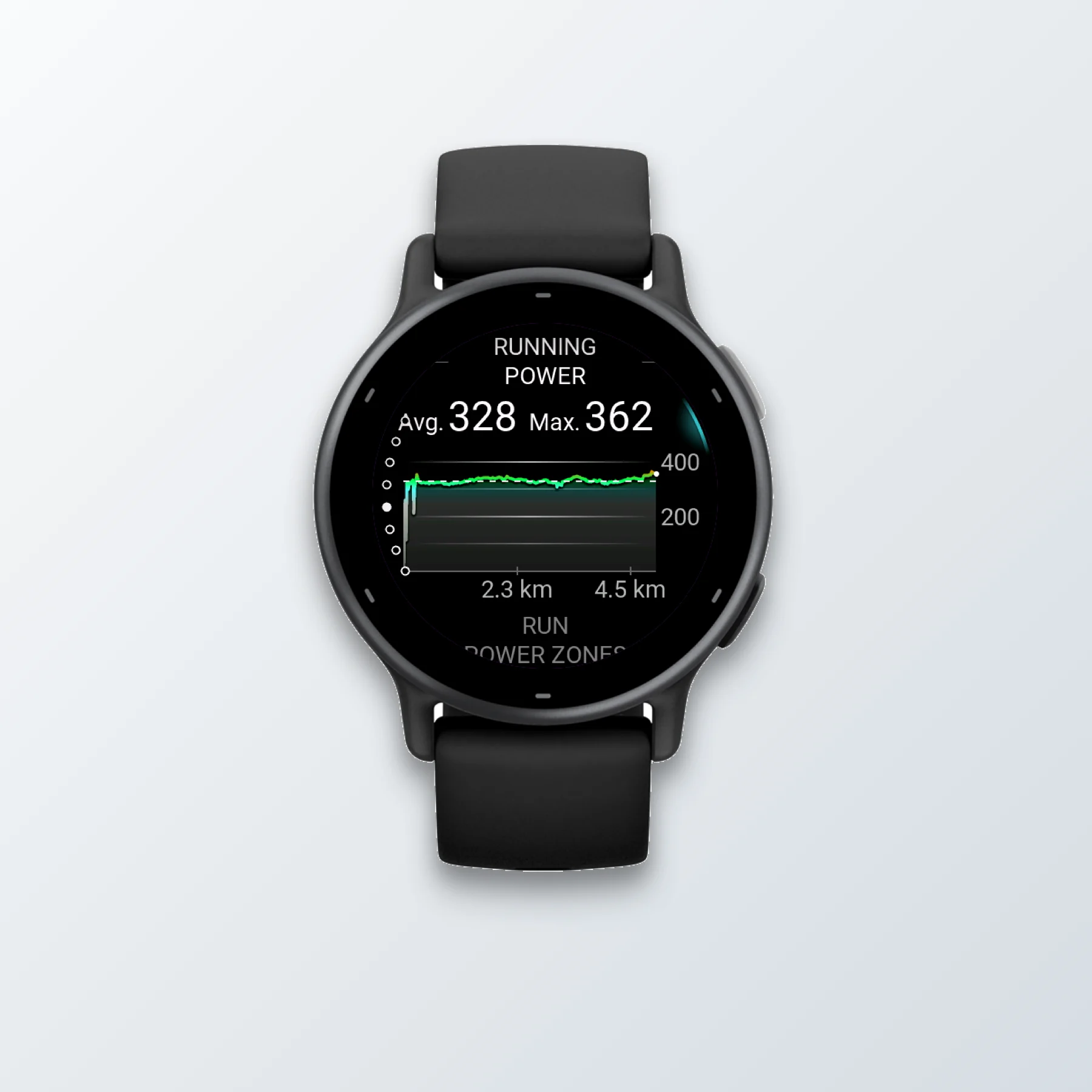
Single image
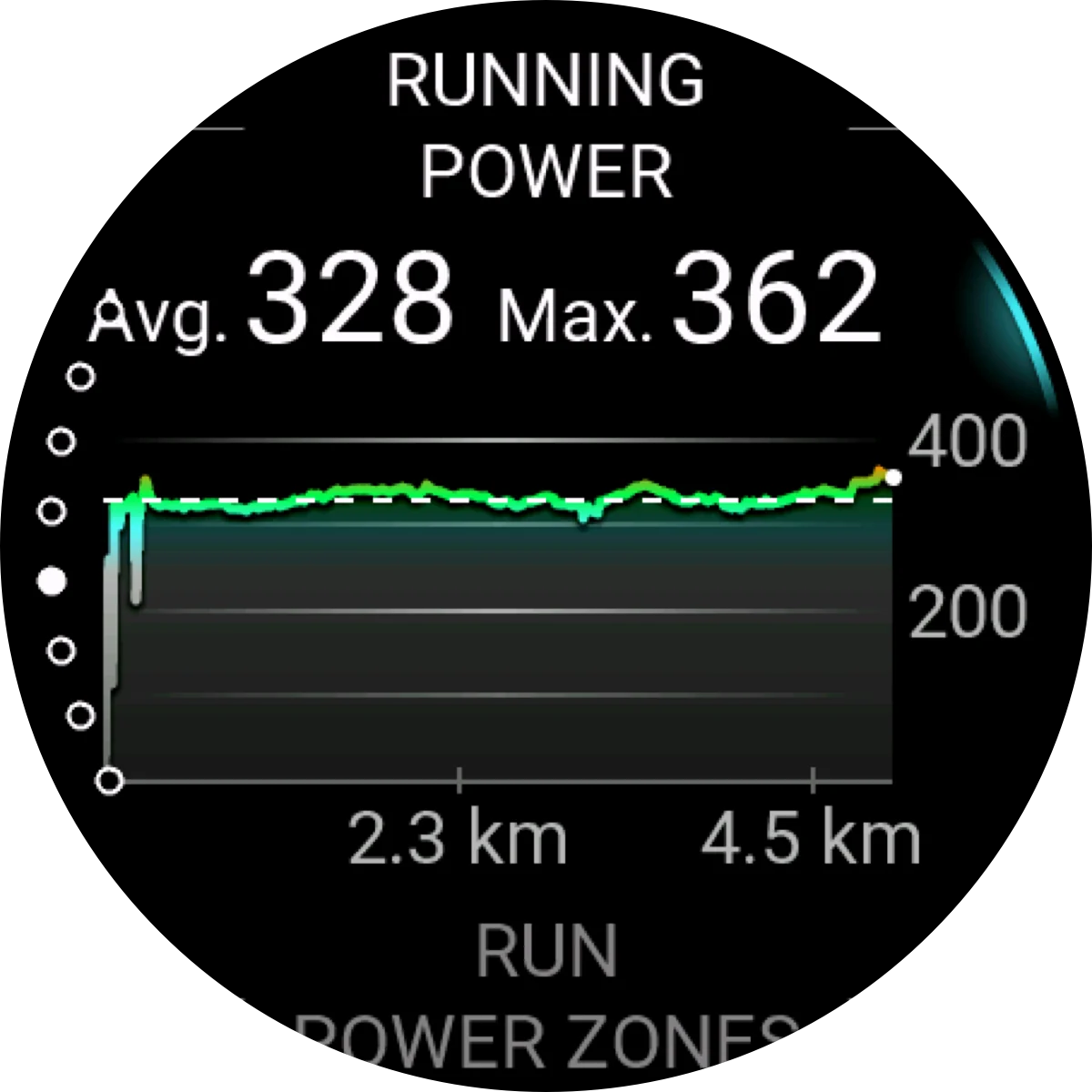
Single image
Single image
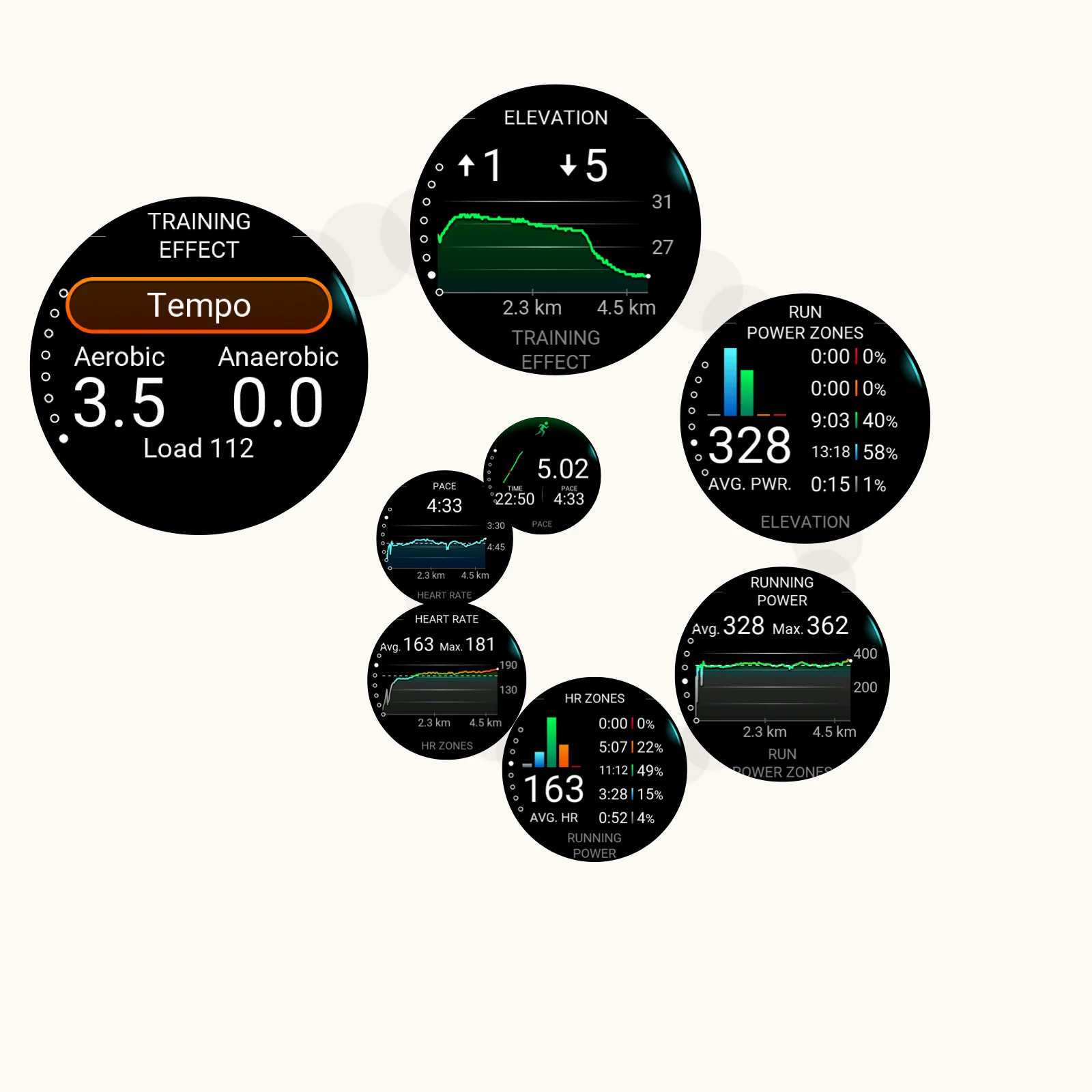
Compound export
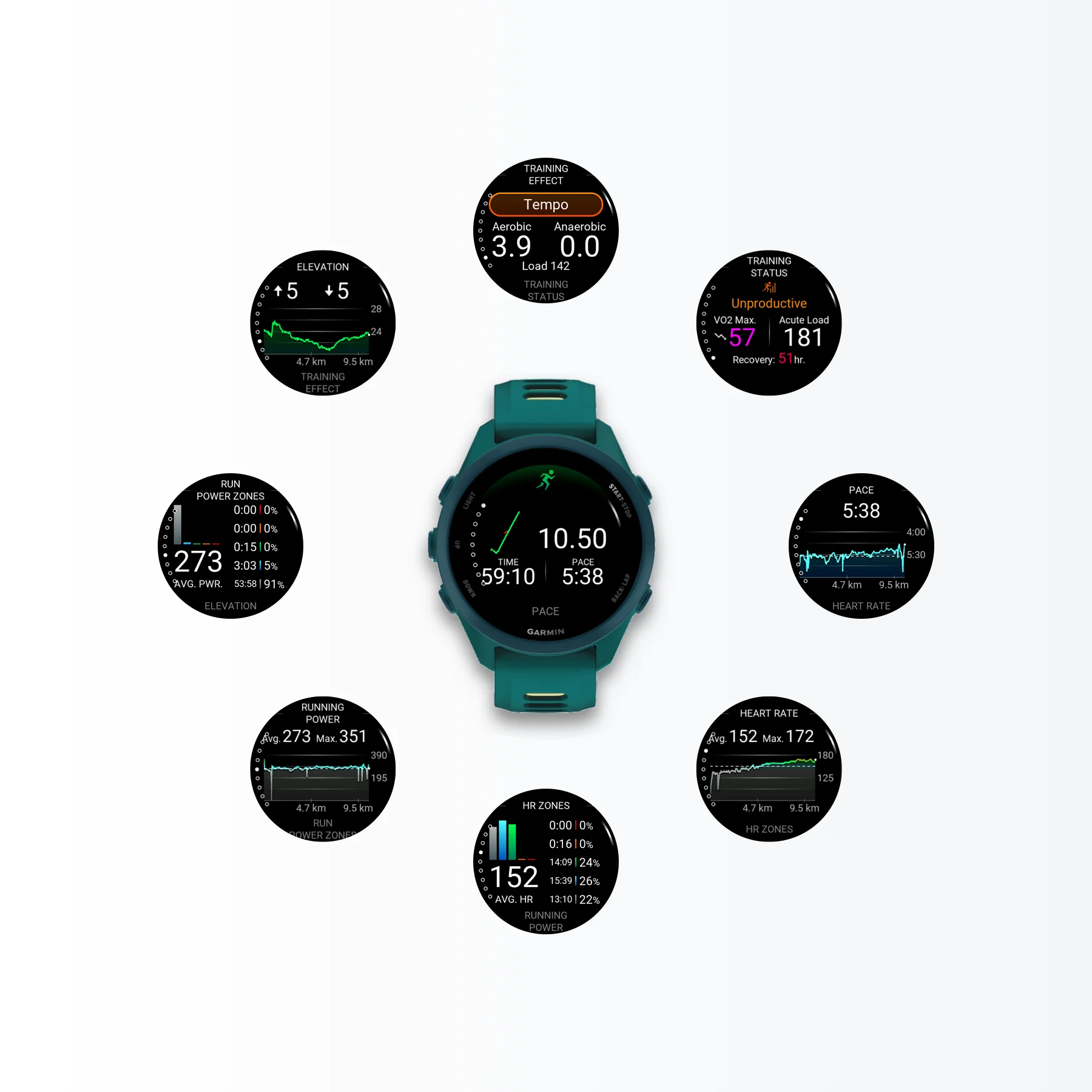
Compound export
A wide product demo format for websites, tutorials, and release pages.
workflow comparison
The old process is not just export. You connect the watch, dig through GARMIN\ScreenShot, drag files locally, move them into a design tool, prepare frame files, mask the screens, manage layers, and export again.
Three handoff-heavy phases before every polished asset.
Connect the watch, auto-copy screenshots, frame and export.
Each image can save minutes, and a full release can save tens of minutes.
The work is split across USB transfer, Android File Transfer, local folders, and a separate design app.
Getting the BMP files out of the watch is already a manual file-transfer job.
The screenshot then moves into a design app, where the real cleanup begins.
After alignment and layer work, every final asset still needs to be exported.
JiaKe.app automates the file copy and keeps framing, presets, preview, and export in one local workflow across Mac and Android.
ResultTime is money. Automating screenshot prep saves release time and real production cost.
Latest articles
Read recent guides on Garmin screenshot mockups, Connect IQ release images, BMP exports, frames, presets, and faster launch workflows.
Export Garmin watch screenshots on Android with USB, copy BMP files from SCRNSHOT or ScreenShot, convert to PNG, and save framed images to Photos.
Read articleGarmin watches usually cannot record screen video directly. Use real Garmin screenshots from GARMIN\ScreenShot and JiaKe.app preset styles to make a clean video-style demo.
Read articleLearn how Garmin screen capture works on watches, Edge cycling computers, outdoor devices, and automotive devices, then find the saved files and turn them into usable images.
Read articleJiaKe.app turns real Garmin BMP screenshots into framed PNG mockups for app listings, product pages, docs, and social posts, with Mac and Android workflows.
Yes. Import screenshots from a connected Garmin watch, MTP workflow, or local folder, then choose a device frame for Connect IQ apps, data fields, widgets, and watch faces.
For repeatable Garmin watch screenshot frames and batch exports, yes. JiaKe.app keeps the import, framing, preview, and export steps inside one focused local app workflow.
No. Normal screenshot processing happens locally on your Mac or Android device, and JiaKe.app does not upload screenshots, project files, or exported mockups as part of the standard workflow.