Garmin watch screenshot
Start from a real watch capture.
Garmin screenshot frame
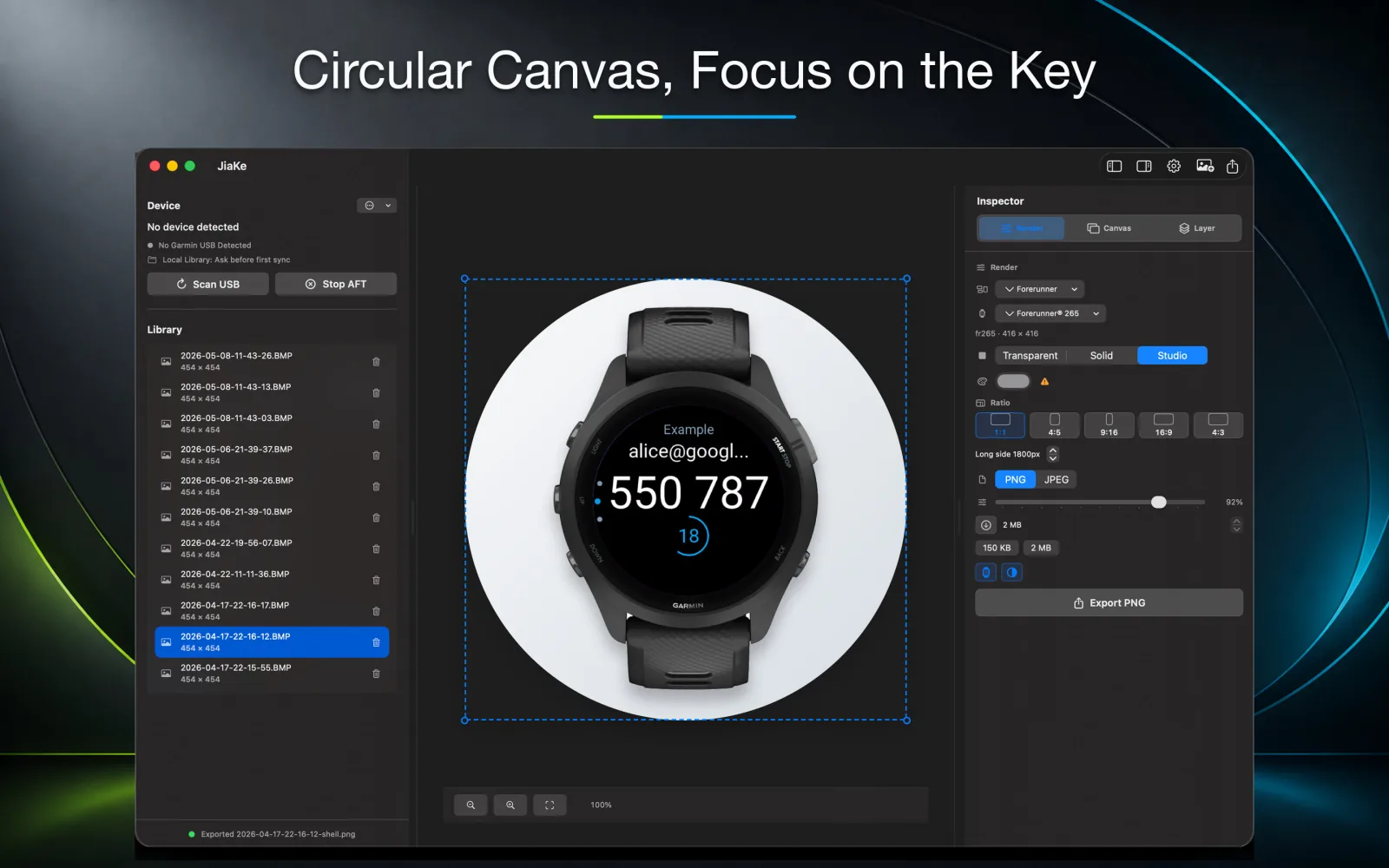
Add a Garmin screenshot frame to real watch captures and export consistent PNG images for Connect IQ listings, documentation, websites, and launch posts.
Frame intent
The frame should make the screenshot easier to understand, not turn it into a fake interface. A good Garmin screenshot frame keeps the captured screen readable while showing the device shape around it.
This is especially important for watch faces and Connect IQ apps where the viewer needs to understand both the interface and the device context quickly.
Repeatable layout
One framed screenshot is easy to make manually. A complete release set is where frame scale, screen crop, padding, and export size start to drift.
JiaKe.app keeps the repeated Garmin screenshot frame work inside one focused macOS workflow so each export can reuse the same visual rules.
Workflow
The goal is not only to answer the search query. The goal is to move from a Garmin screenshot or BMP source file into a reusable asset that can support a real product release.
Related guides
Use these guides when you need to find Garmin screenshots, convert BMP files, or turn a raw capture into a framed image for publishing.
Start from a real watch capture.
Convert the source file before framing when needed.
Understand the larger mockup workflow.
FAQ
A frame makes the screenshot feel connected to a real Garmin device and helps the image work better in listings, docs, websites, and posts.
Start from a real Garmin BMP screenshot, copy it locally, choose a matching watch frame, keep the screen readable, and export a PNG set for the target page or post.
Keep the original capture sharp, convert to PNG, add a device frame, use consistent padding, and avoid stretching the raw watch screen too far.
Use the closest accurate screen shape and device style available. Shape accuracy matters more than decorative detail.
Yes. JiaKe.app imports real Garmin screenshots, applies frames and presets, and exports PNG assets.
JiaKe.app
Use JiaKe.app when a raw Garmin screenshot needs frames, presets, preview, batch export, and PNG output for Connect IQ listings, docs, product pages, and launch posts.