

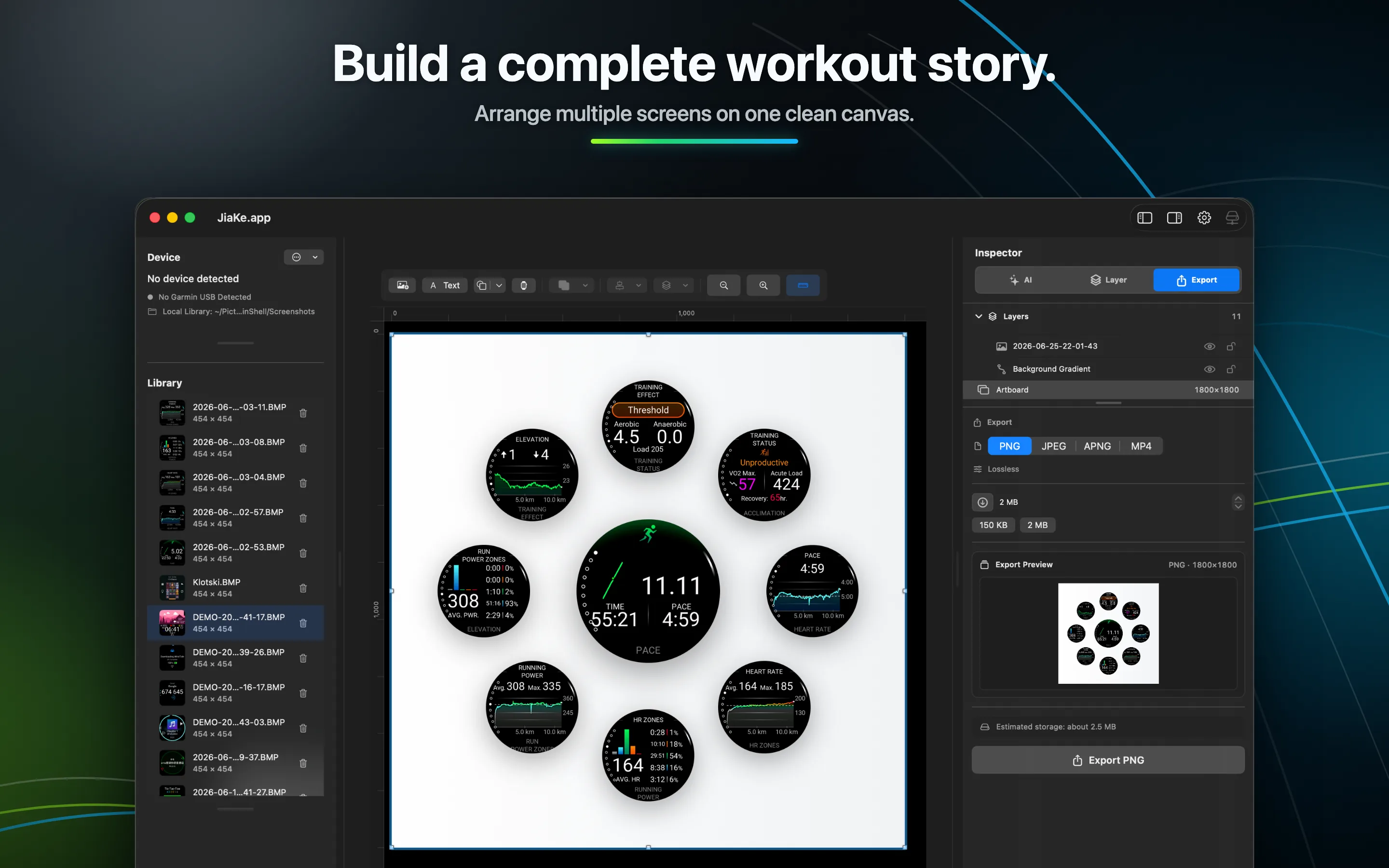
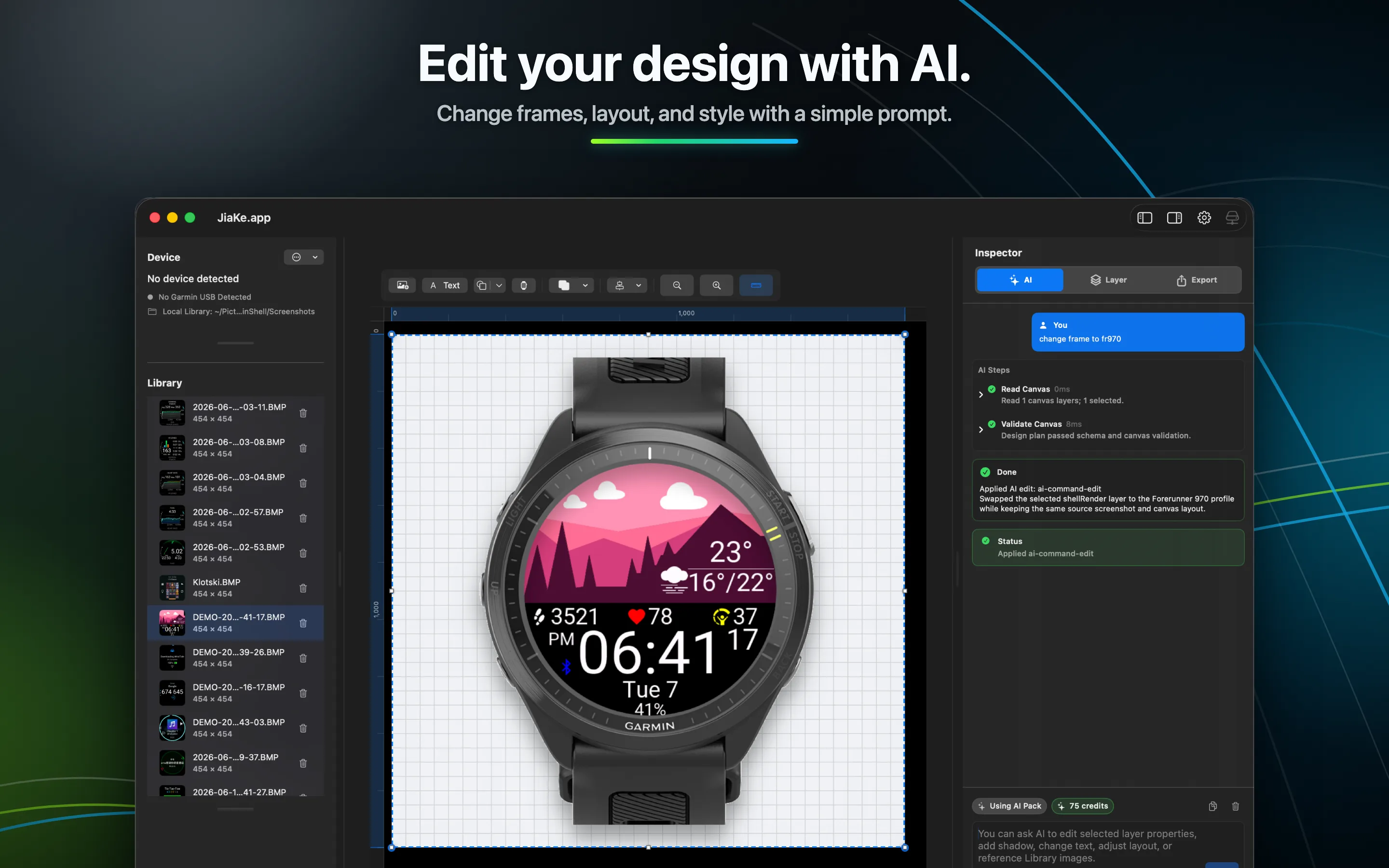
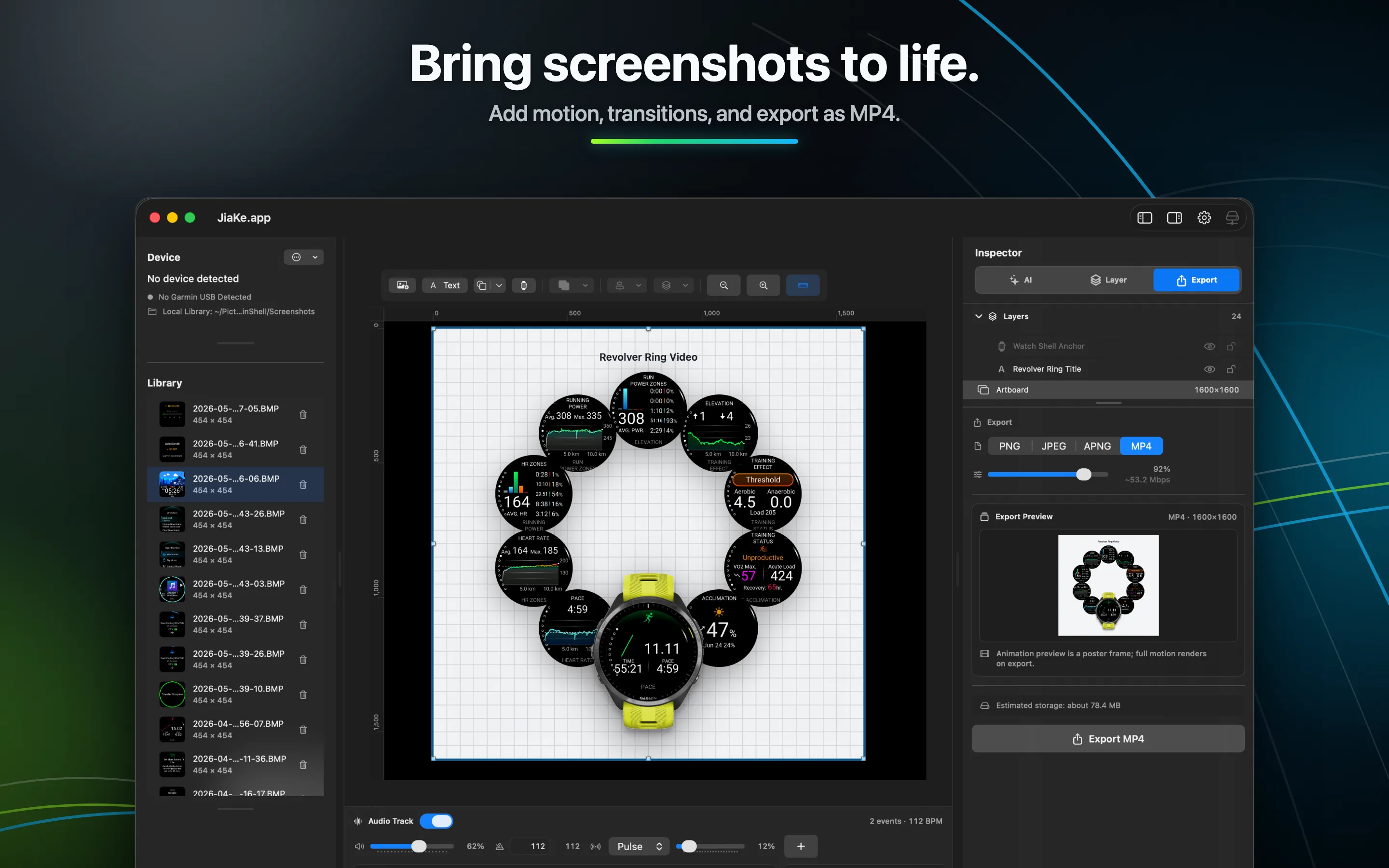
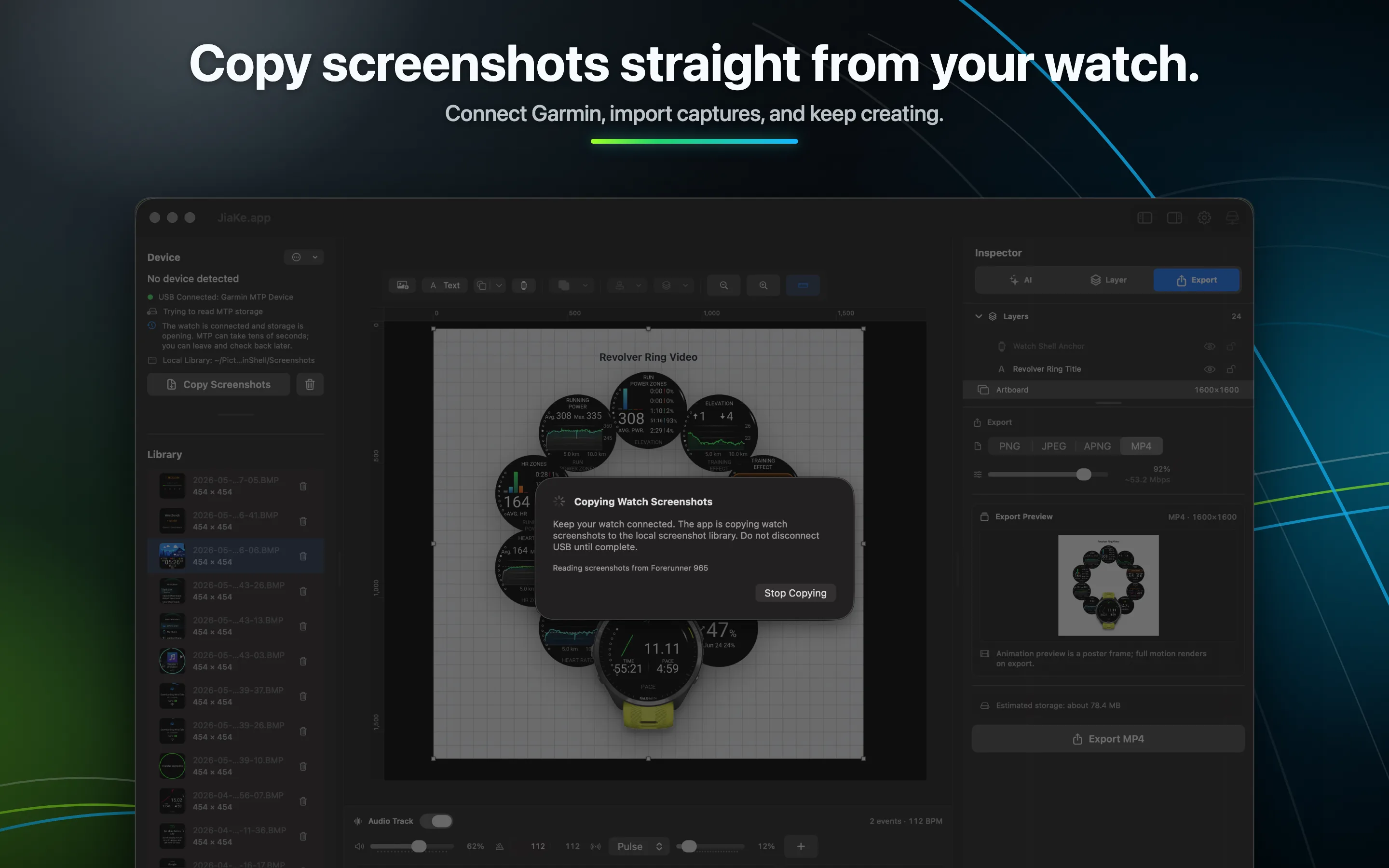
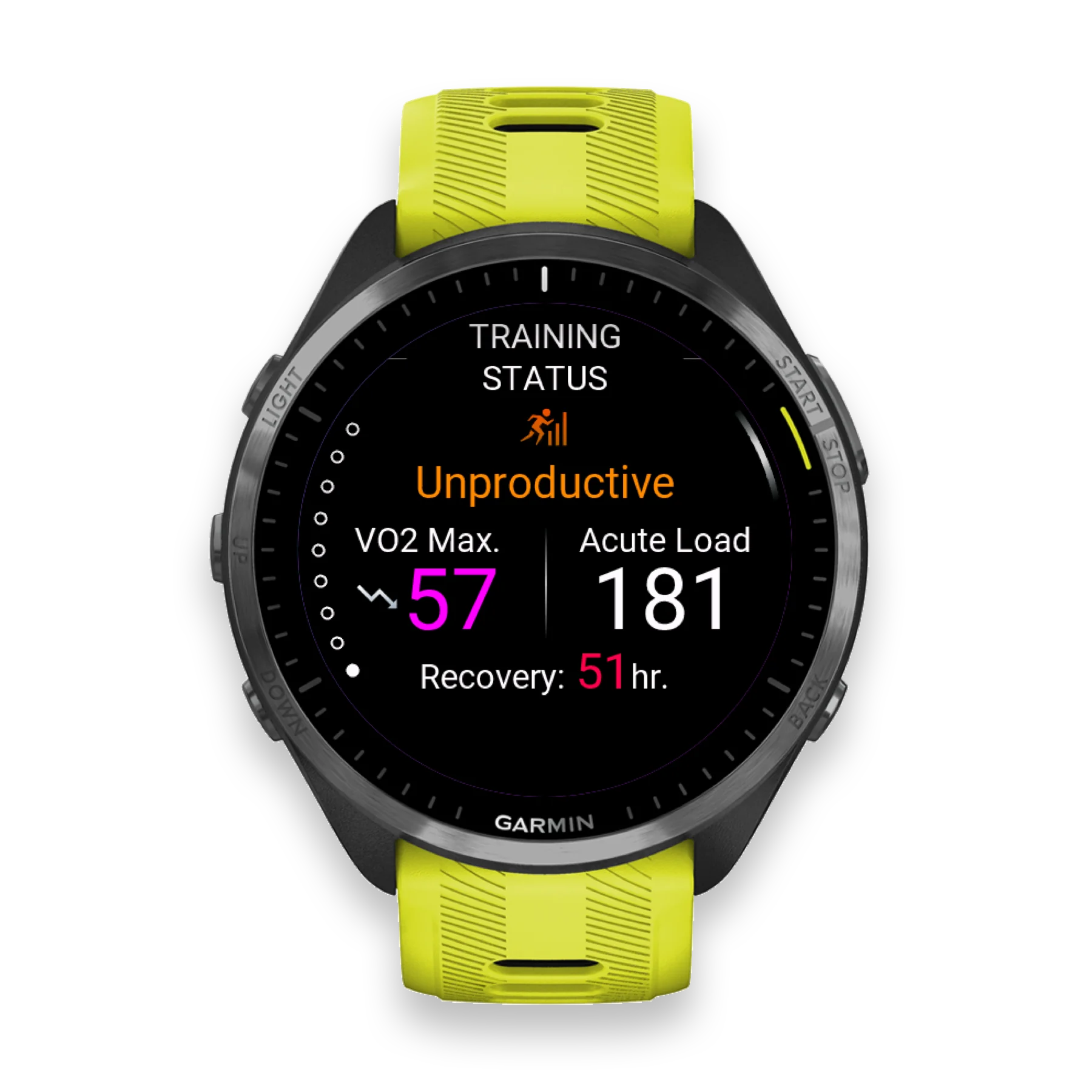
Single training frame
Single image
Generador de maquetas de capturas de pantalla de reloj Garmin
JiaKe.app enmarca capturas de pantalla BMP reales de Garmin para aplicaciones Connect IQ, esferas de reloj, listados de Connect IQ Store, publicaciones de productos y notas de versión.
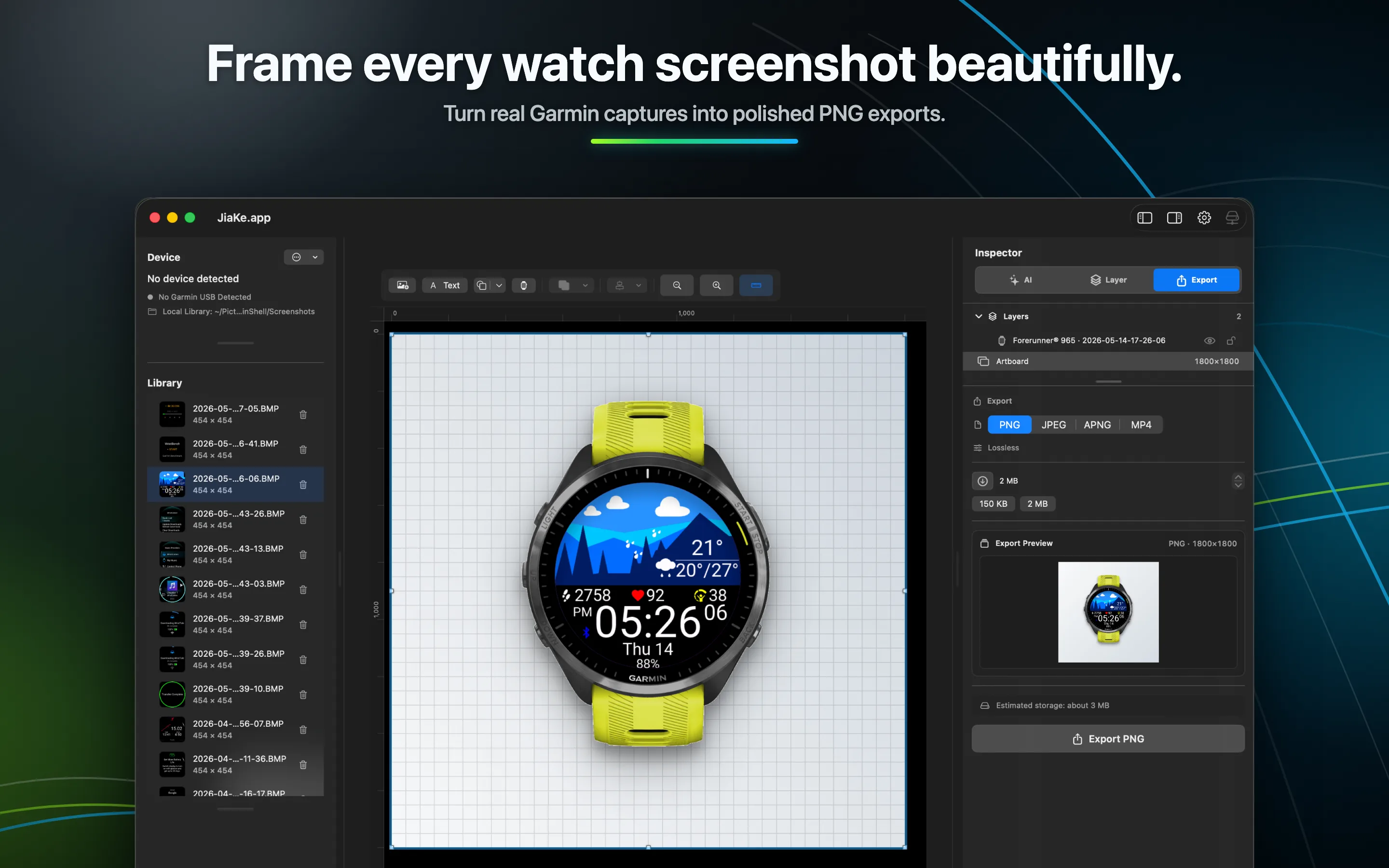
Showcase
Turn real Garmin screenshots into single-image mockups, compound posters, and motion pieces for store pages, websites, social posts, and release notes.
Single image
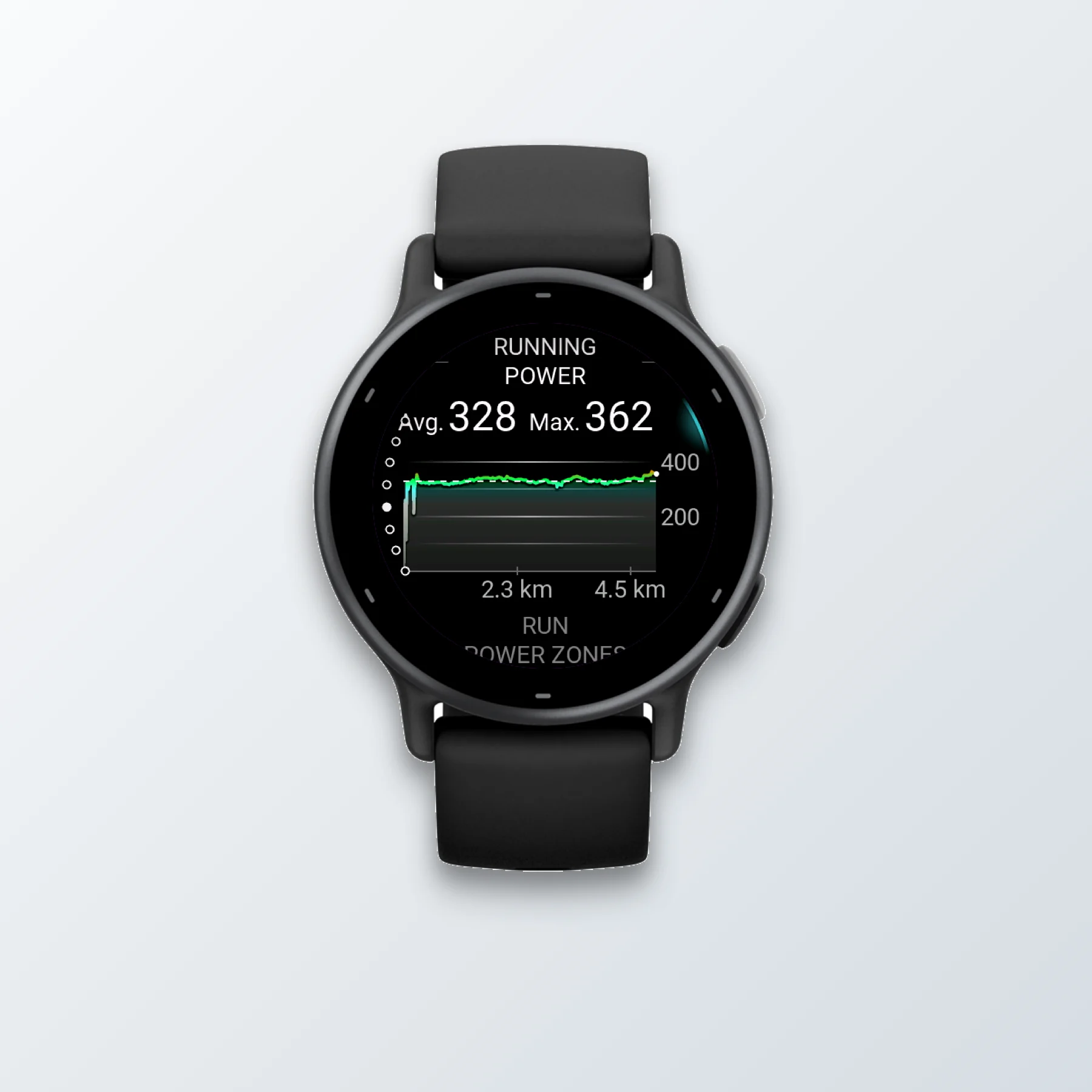
Single image
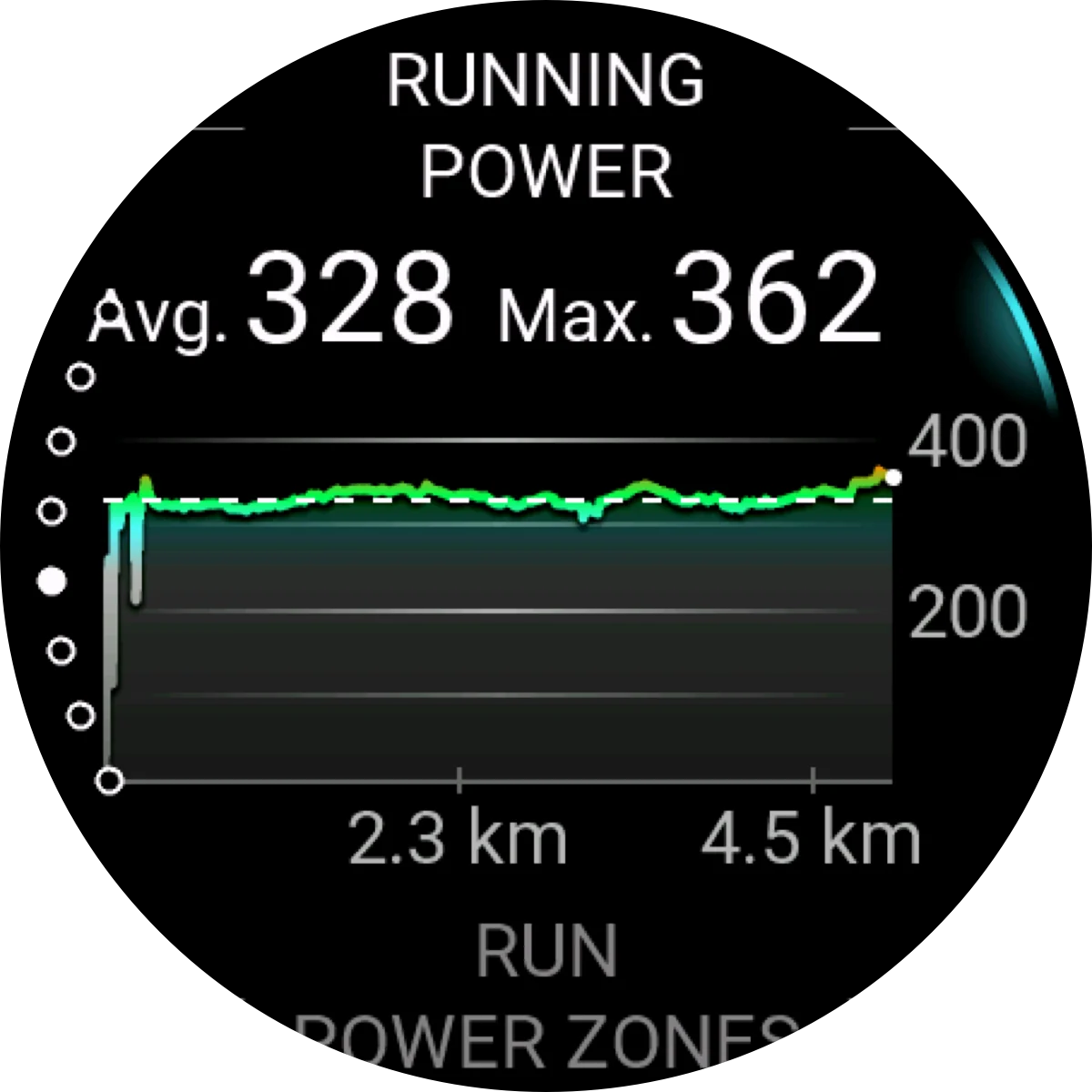
Single image
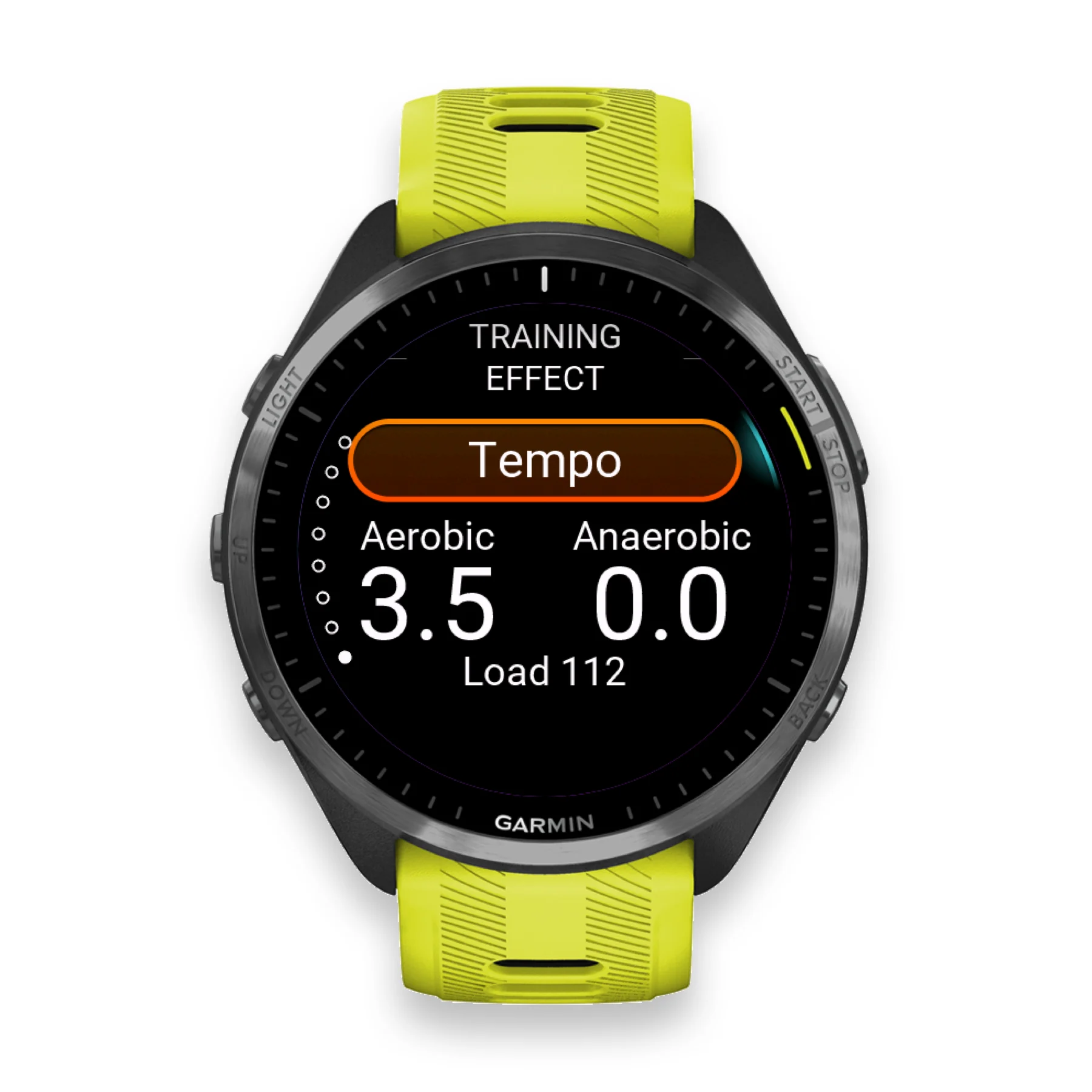
Single image
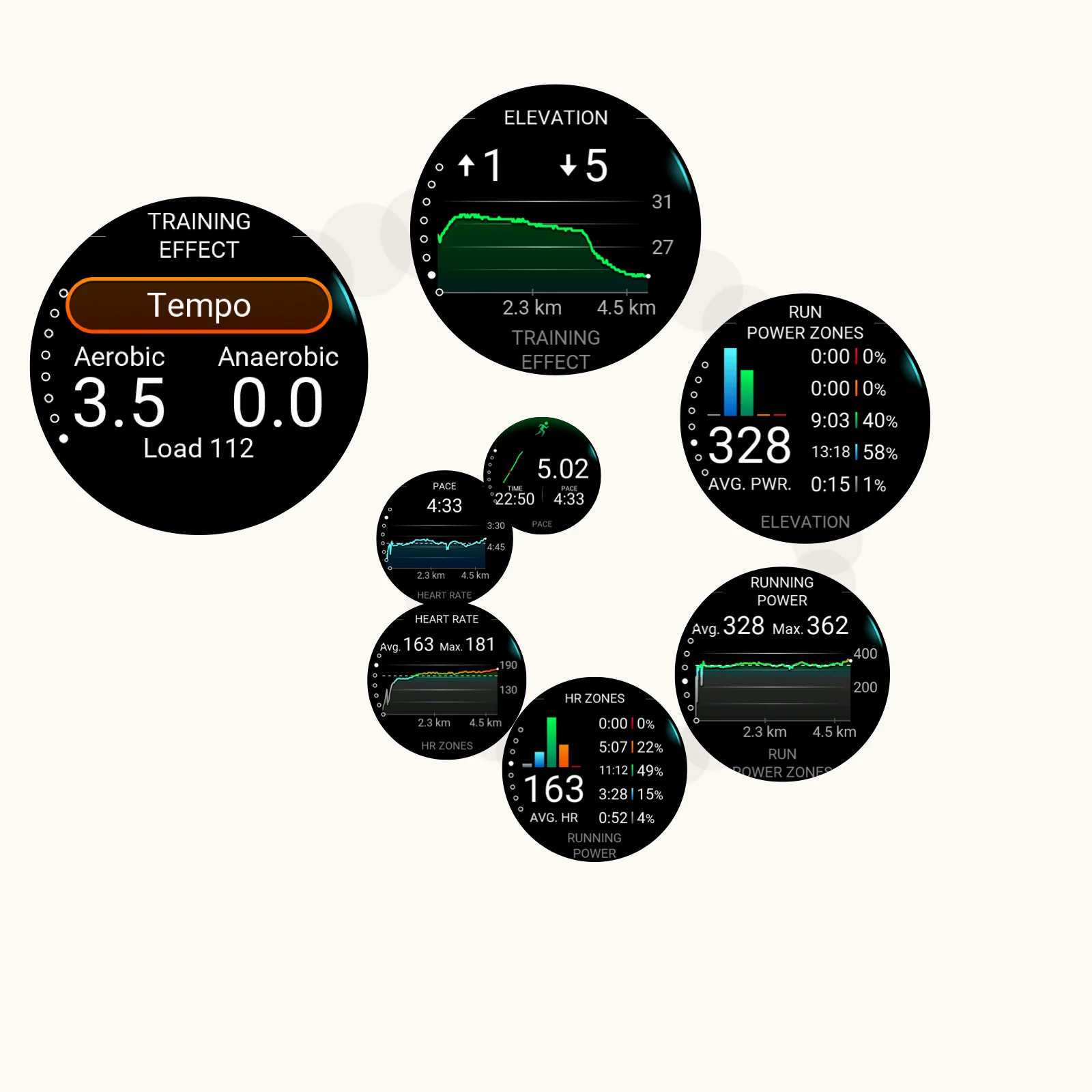
Compound export
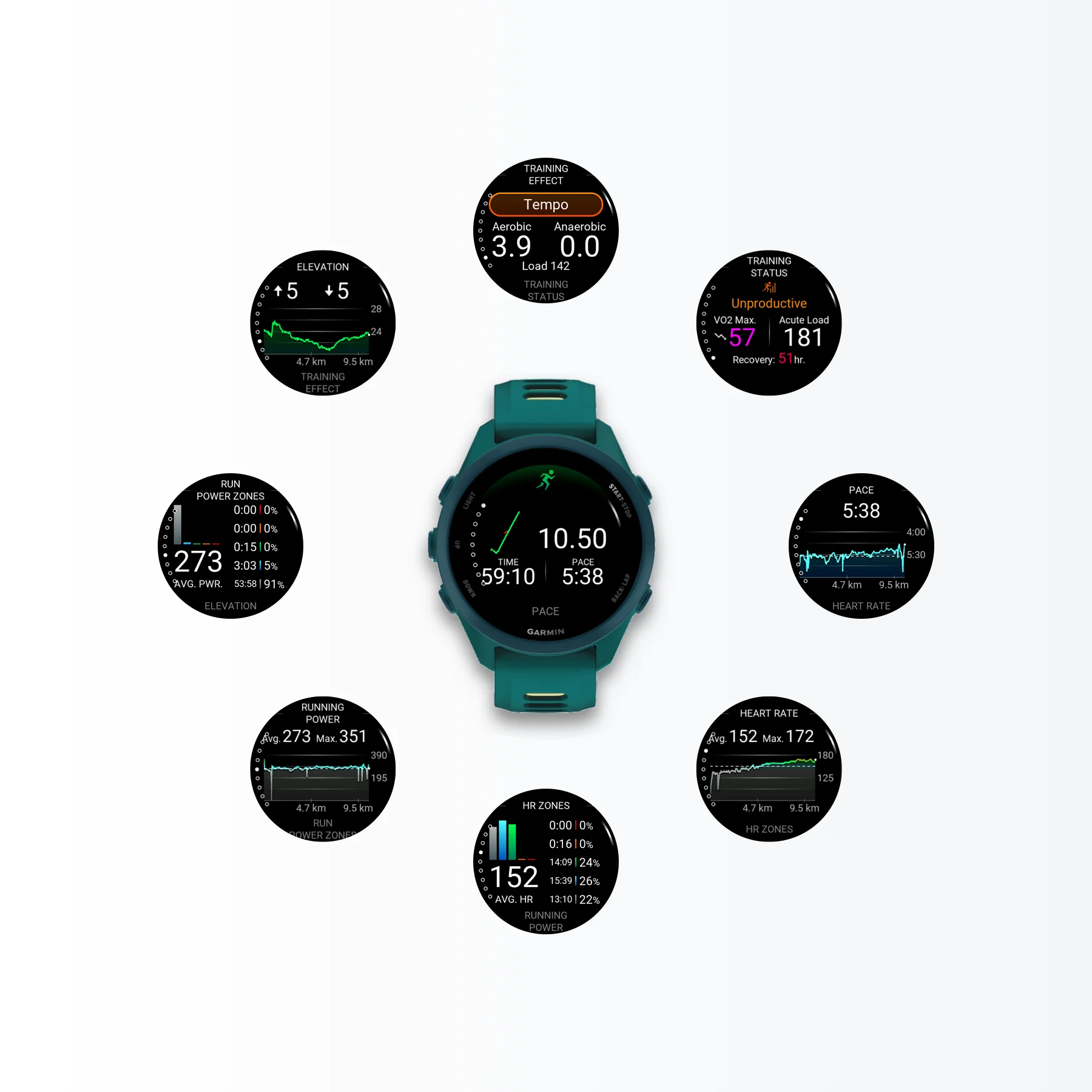
Compound export
A wide product demo format for websites, tutorials, and release pages.
Comparativa de flujos de trabajo
El proceso antiguo no es solo exportar. Conectas el reloj, buscas en GARMIN\ScreenShot, arrastras archivos localmente, los mueves a una herramienta de diseño, preparas archivos de marco, enmascaras las pantallas, gestionas capas y exportas de nuevo.
Tres fases con muchas transferencias manuales antes de cada activo pulido.
Conecta el reloj, copia automáticamente las capturas, enmarca y exporta.
Cada imagen puede ahorrar minutos, y un lanzamiento completo puede ahorrar decenas de minutos.
El trabajo se divide entre transferencia USB, Android File Transfer, carpetas locales y una aplicación de diseño aparte.
Obtener los archivos BMP del reloj ya es un trabajo de transferencia de archivos manual.
La captura pasa entonces a una aplicación de diseño, donde comienza la verdadera limpieza.
Después del alineamiento y el trabajo de capas, cada activo final aún necesita ser exportado.
JiaKe.app automatiza la copia de archivos y mantiene el enmarcado, los preajustes, la vista previa y la exportación en una sola aplicación local para Mac.
ResultadoEl tiempo es dinero. Automatizar la preparación de capturas ahorra tiempo de lanzamiento y costes reales de producción.
Últimos artículos
Lee guías recientes sobre maquetas de capturas de pantalla Garmin, imágenes de lanzamiento de Connect IQ, exportaciones BMP, marcos, preajustes y flujos de trabajo de lanzamiento más rápidos.
Las capturas de pantalla de Garmin suelen aparecer como archivos BMP. Descubre qué significa BMP, por qué los dispositivos Garmin lo usan y cuándo convertir capturas BMP a PNG o JPG.
Leer artículoUn flujo de trabajo práctico para desarrolladores de Connect IQ que necesitan capturar capturas de pantalla de Garmin, convertir archivos BMP y preparar imágenes listas para la tienda.
Leer artículoUna guía para Windows sobre cómo convertir capturas BMP de Garmin a PNG o JPG para documentación, listados, páginas de producto y uso compartido.
Leer artículoJiaKe.app es una aplicación para macOS que convierte capturas de pantalla BMP reales de Garmin en maquetas PNG enmarcadas para listados de aplicaciones, páginas de producto, documentación y publicaciones en redes sociales.
Sí. Importa capturas desde un reloj Garmin conectado, mediante flujo MTP o desde una carpeta local, luego elige un marco de dispositivo para aplicaciones Connect IQ, campos de datos, widgets y esferas de reloj.
Para marcos de capturas de pantalla Garmin repetibles y exportaciones por lotes, sí. JiaKe.app mantiene los pasos de importación, enmarcado, vista previa y exportación dentro de una aplicación Mac enfocada.
No. El procesamiento normal de capturas ocurre localmente en tu Mac, y JiaKe.app no sube capturas de pantalla, archivos de proyecto ni maquetas exportadas como parte del flujo de trabajo estándar.