There is no single perfect image size for every Connect IQ screenshot use case. A store listing, product page, documentation page, and launch post all present images differently.
The practical goal is consistency: keep the real Garmin screen readable, keep the device frame believable, and export enough layout variations to reuse the same screenshot set across channels.
Thinking about image sizes before the final upload prevents the common problem of beautiful desktop images that fail as small previews.
Start from the Connect IQ Store upload fields
The Connect IQ developer dashboard separates marketing images into different upload fields, so treat each field as its own export target instead of uploading one generic mockup everywhere.
The store form describes the Hero Image as an optional mobile-optimized promo image. It must be 1440 x 720 pixels, use JPG, GIF, or PNG, and stay under 2048 KB.
The Cover Image for Web/Mobile works like the listing header or square cover image. The dashboard asks for 500 x 500 pixels, JPG, GIF, or PNG, with a file size under 300 KB.
Screen Images are shown on the app detail page. In the dashboard text, they are JPG, GIF, or PNG images under 150 KB each; the store screen does not show a fixed pixel size for this field, so check readability after compression.
- Hero Image: 1440 x 720 pixels, under 2048 KB.
- Cover Image / header image: 500 x 500 pixels, under 300 KB.
- Screen Images: JPG, GIF, or PNG under 150 KB each.
- Optional device app icons: 128 x 128 pixels with reduced colors, if you choose to add them.
Do not shrink dense Garmin screens too far
Garmin interfaces often contain small metrics, icons, lap fields, weather values, or complications. If the final export makes those details unreadable, the screenshot stops explaining the product.
Check every export at the actual display size. A large design canvas is not a reliable test for a small store or social preview.
Keep the frame system consistent
A screenshot set feels more professional when frame scale, background, spacing, and export dimensions follow a consistent system.
That consistency is hard to maintain if every image is rebuilt manually in a general design tool. A small alignment change can create a visible mismatch across the set.
Use presets to create reusable variants
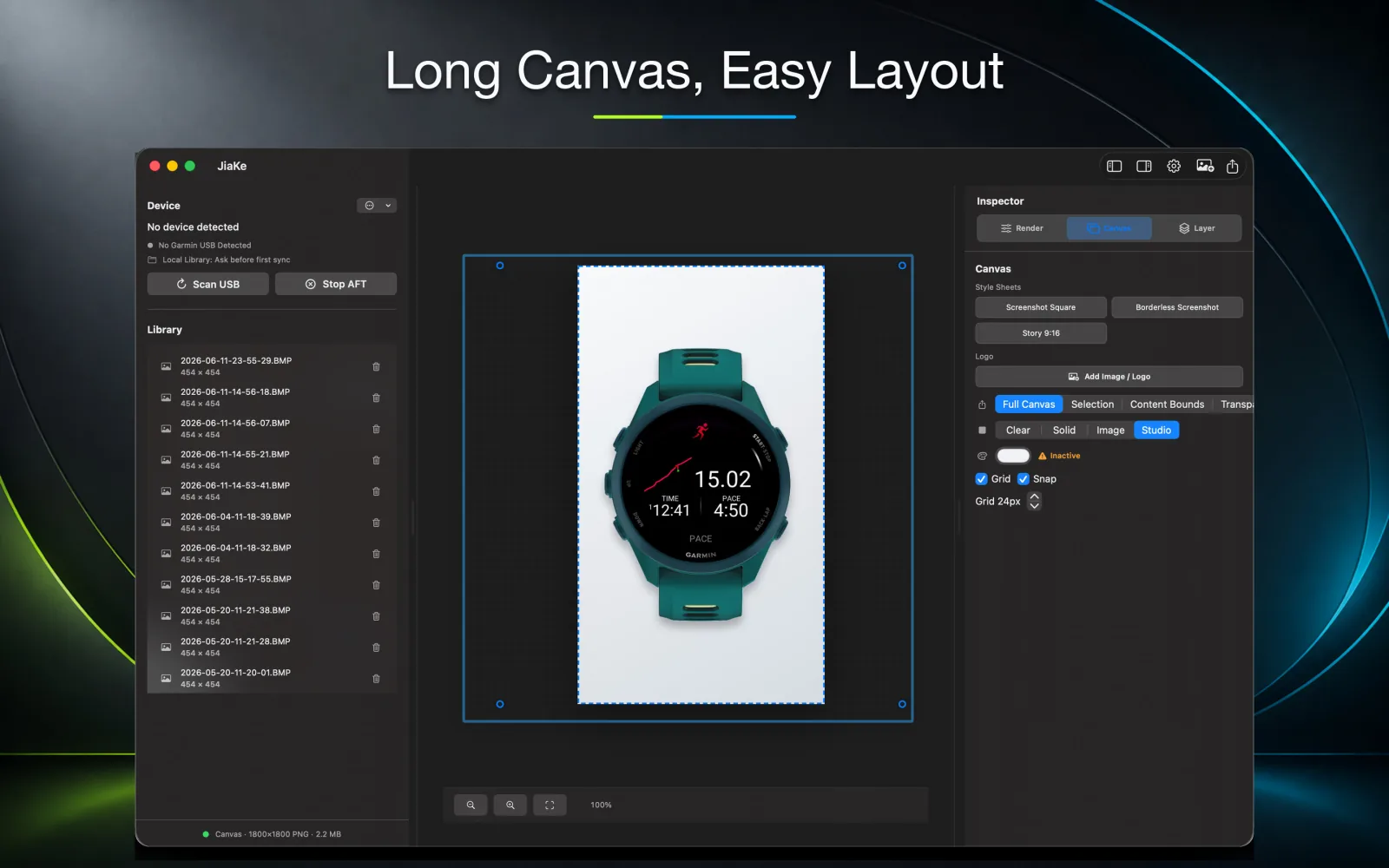
JiaKe presets are useful because they let you prepare repeatable export styles instead of rebuilding size decisions for every screenshot.
For a full release, you can keep one source screenshot and export variants for a Connect IQ listing, product page, documentation article, and social launch post.
FAQ
What is the best size for Connect IQ screenshots?
Use the size required by the Connect IQ Store field: Hero Image is 1440 x 720 pixels, Cover Image / header image is 500 x 500 pixels, and Screen Images must be JPG, GIF, or PNG under 150 KB each.
Should I use the same layout for every screenshot?
Use the same visual system for a release set, but adjust export shape when a channel needs a square, vertical, or long-canvas image.
Can JiaKe export multiple screenshot styles?
Yes. JiaKe supports preset-based framed exports so the same Garmin screenshot can be prepared for different publishing contexts.