Garmin fenix screenshot
How do you take a screenshot on Garmin fenix 8 Solar 51mm?
How to screenshot on Garmin fenix 8 Solar 51mm, including fenix8solar51mm and Garmin fenix 8 Solar 51mm searches, then find BMP files in GARMIN\ScreenShot and export clean PNG assets.
Quick answer
For fenix 8 models, enable Screenshot Capture before using the action-button flow.
Garmin's current screenshot support flow for action-button models says to open Settings, go to System, then Advanced, and toggle Screenshot Capture on before taking the screenshot.
Menu labels can vary by firmware and exact fenix 8 variant, so confirm the current Garmin support page when the watch UI differs.
Model profile
- Connect IQ device id: fenix8solar51mm
- Screen profile: MIP display, 280 x 280
- Device family: round-280x280
- Saved screenshots:
GARMIN\ScreenShot
After capture
Find the saved BMP, then turn it into a publishable asset.
Once Garmin fenix 8 Solar 51mm saves the capture, the screenshot is still a raw source file. Copy it from GARMIN\ScreenShot, keep the BMP unchanged, and export PNG when the image needs to appear in a Connect IQ listing, support article, product page, or launch post.
- Confirm the capture shortcut for Garmin fenix 8 Solar 51mm.
- Take the screenshot on the watch.
- Connect the device to a computer.
- Copy the BMP file from
GARMIN\ScreenShot. - Convert or frame the screenshot for publishing.
FAQ
Garmin fenix 8 Solar 51mm screenshot FAQ
How do you take a screenshot on Garmin fenix 8 Solar 51mm?
For supported Garmin fenix 8 action-button models, enable Screenshot Capture in Settings > System > Advanced, then use the configured action-button screenshot behavior.
Where are Garmin fenix 8 Solar 51mm screenshots stored?
After capture, connect the watch to a computer and check the device storage folder GARMIN\ScreenShot for the saved BMP screenshot file.
Can JiaKe.app take the screenshot on Garmin fenix 8 Solar 51mm?
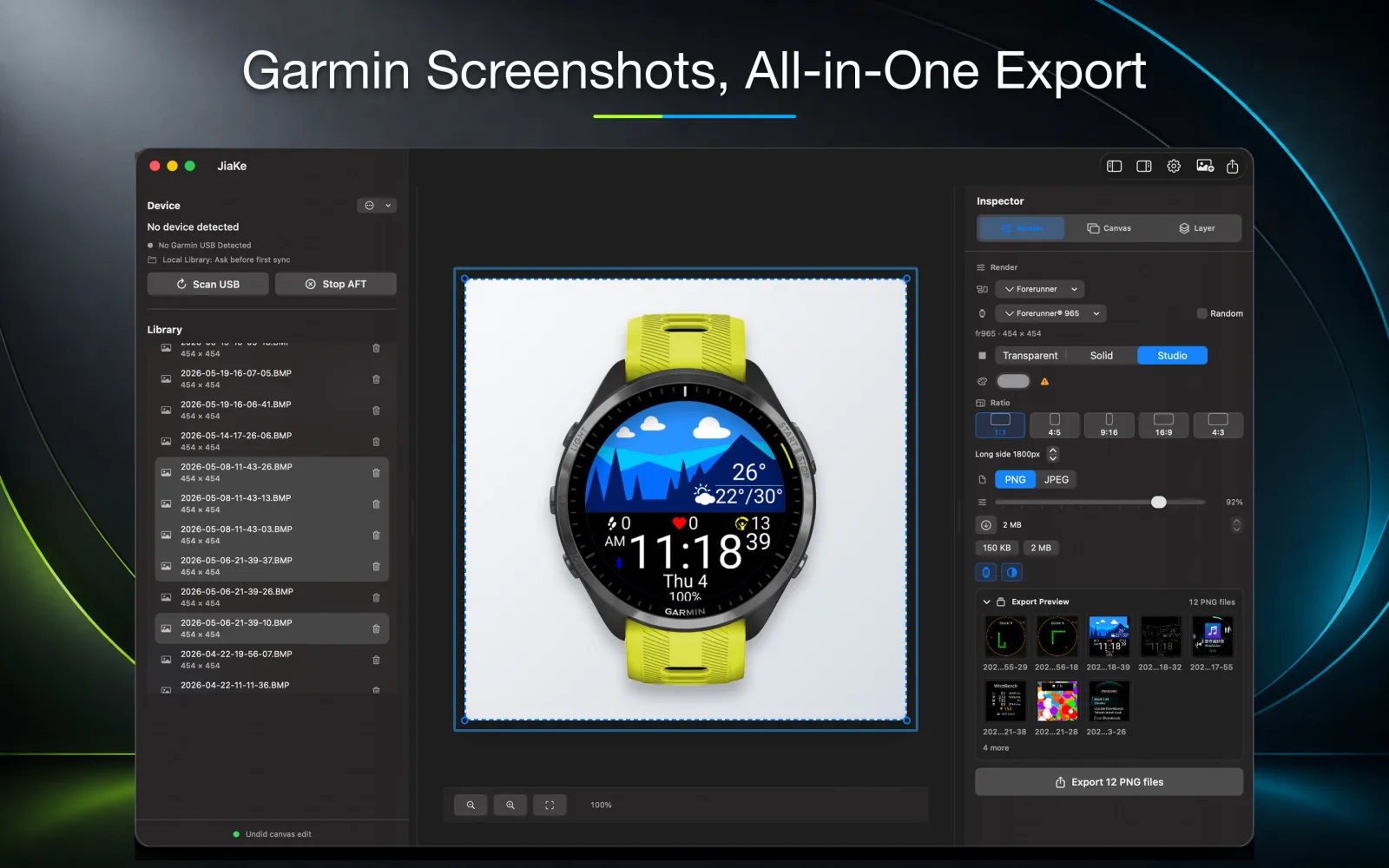
No. JiaKe.app works after the screenshot exists: import the Garmin BMP file, convert it when needed, apply frames, and export PNG assets.
What should I do after capturing a Garmin fenix 8 Solar 51mm screenshot?
Copy the original BMP file from GARMIN\ScreenShot, keep it as the source capture, then convert or frame it for Connect IQ listings, documentation, product pages, or launch posts.
JiaKe.app
Create publish-ready Garmin screenshot assets on Mac.
Use JiaKe.app after the capture exists: import Garmin BMP screenshots, apply frames and presets, preview the result, and export PNG assets for Connect IQ listings, docs, product pages, and launch posts.